Create a user group
To create a user group head to users and hit add user group.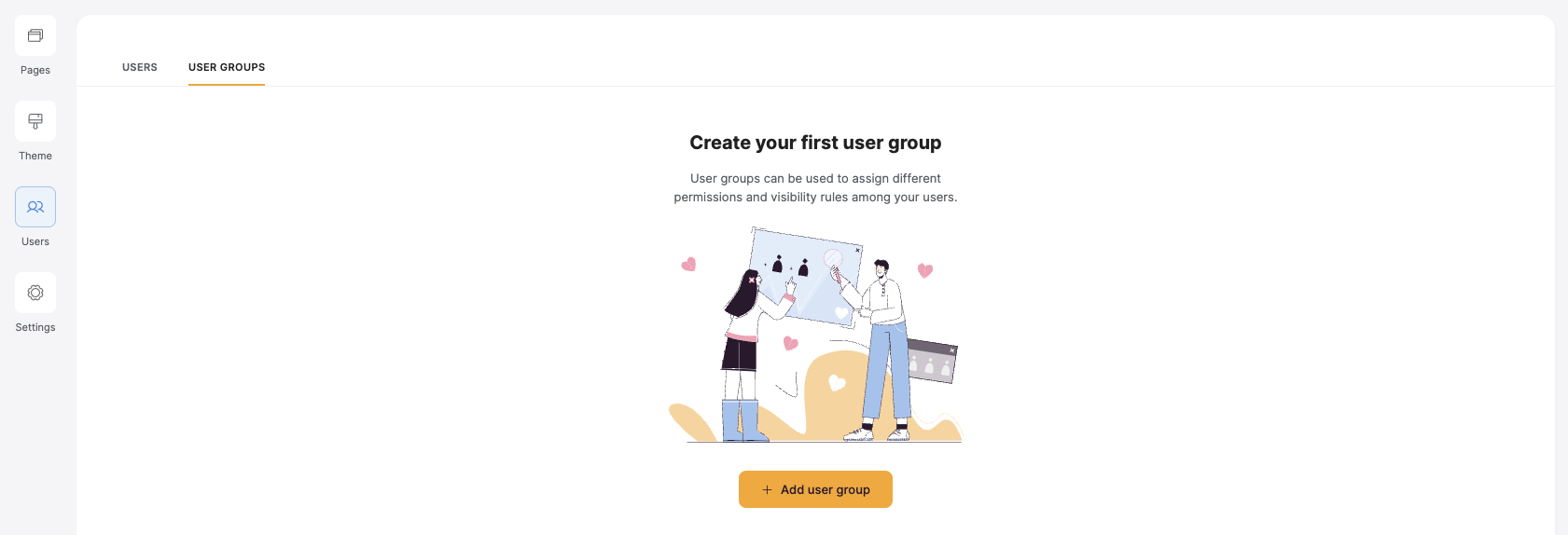
Create a new user group
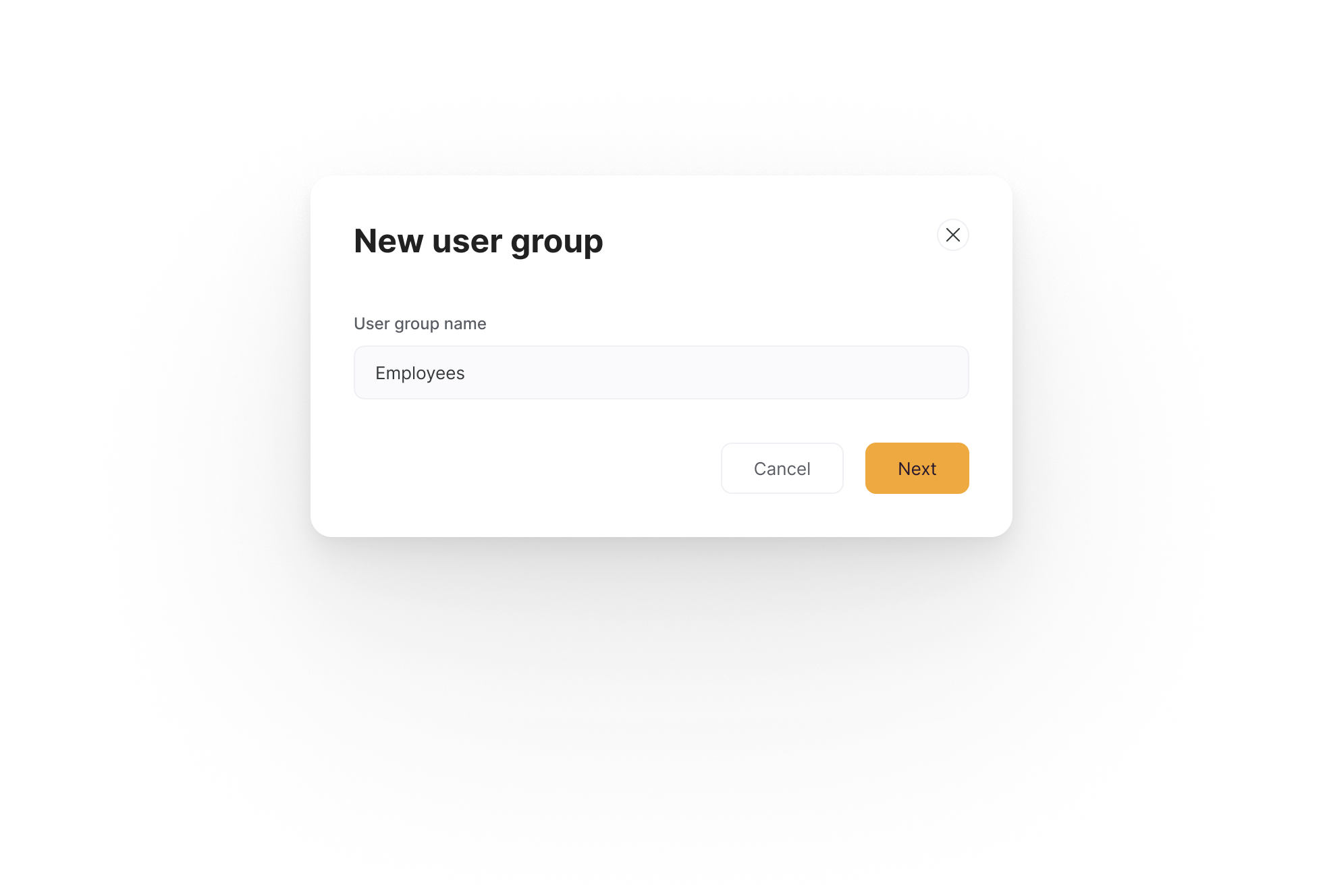
Name your user group
Add users to your user group
Once you have a user group, you need to add users to it. You can do this manually or by adding users based on their attributes with conditions.Add users manually
To add users manually, select one or more existing users from the dropdown list.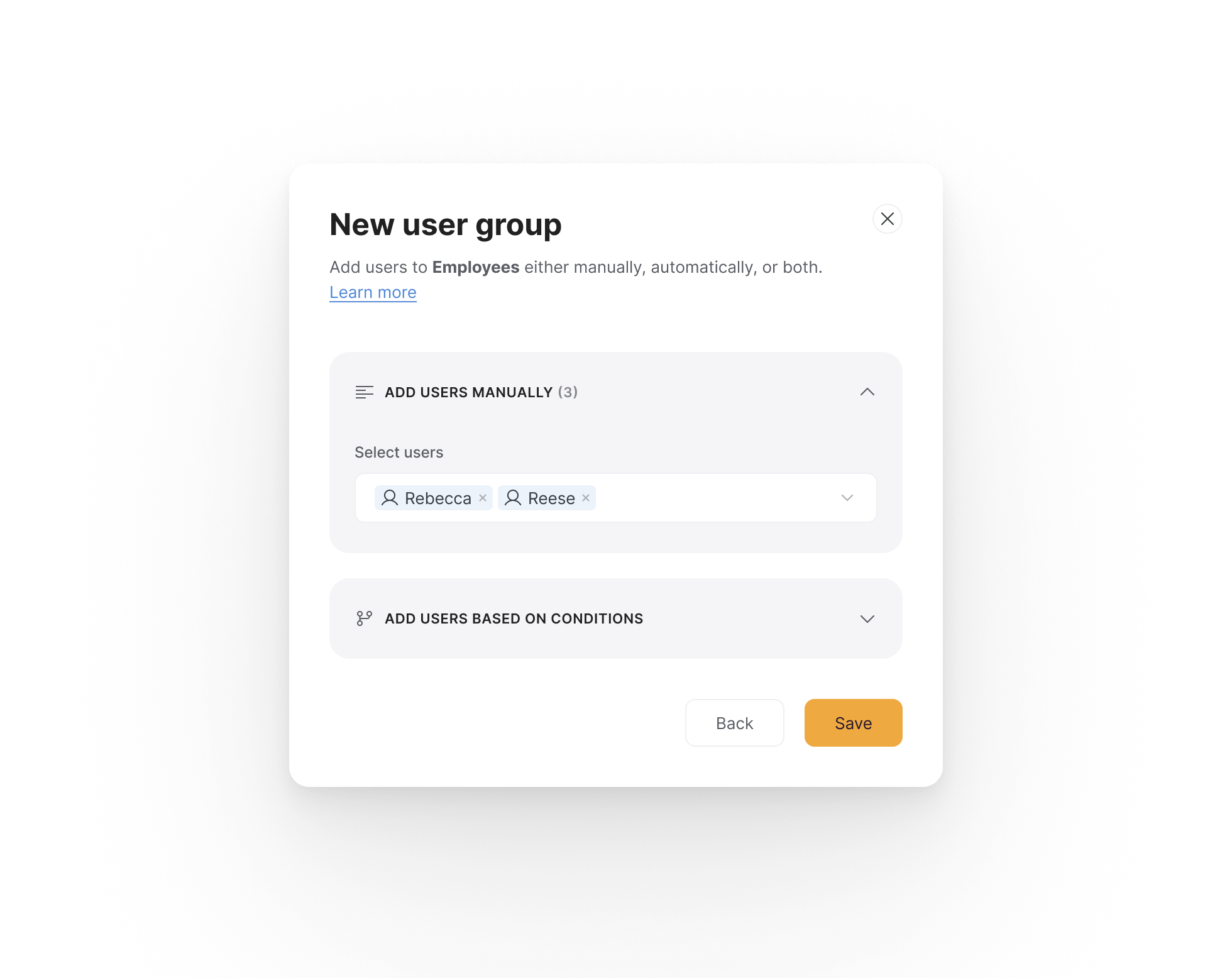
Add users manually to your new user group
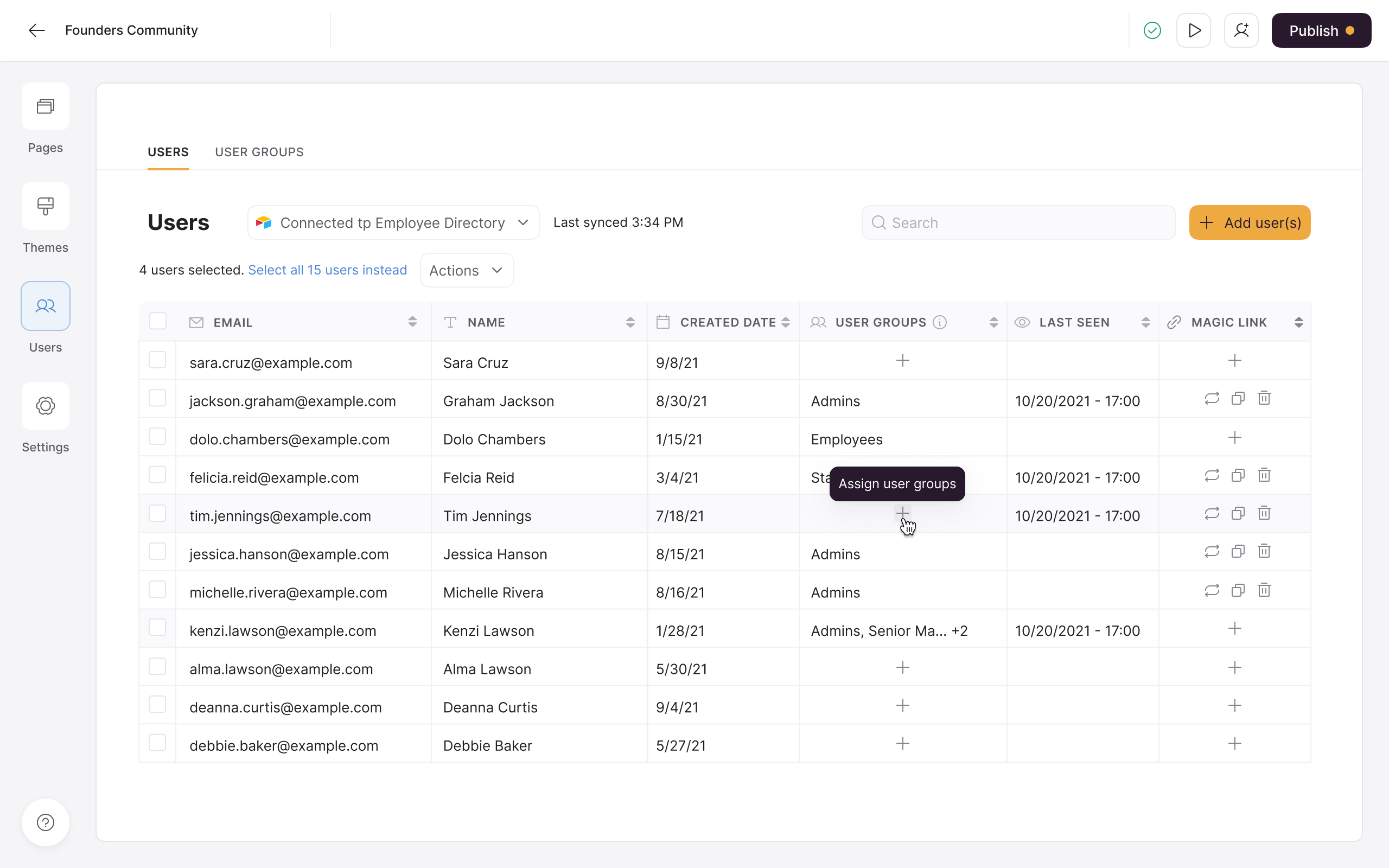
Add users manually directly from the users table
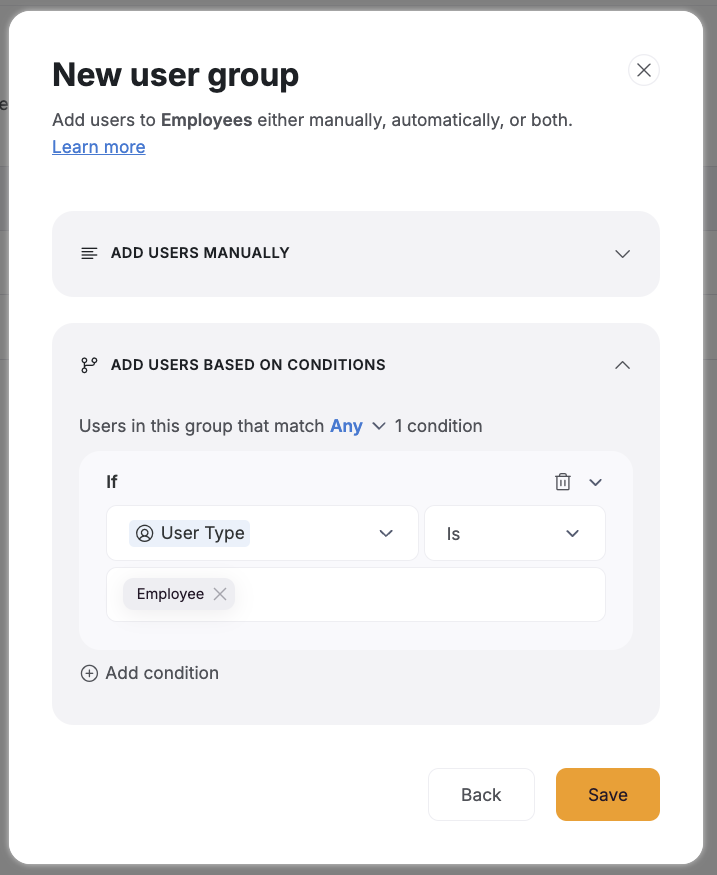
Add users based on a condition
Select a logged-in user’s attribute and specify a relevant condition and value.You can learn more about using conditional filters here → Conditional Filters
Manage user groups for each user from the users table
A user’s user groups are visible in the users table. You can see which user groups they’re in, and you can assign and remove any user group they were added to manually. However, you cannot remove a user from a user group they were added to based on a condition. This is because of the rule yourself or a collaborator set up when creating the user group. To edit the conditions for a user group, go to the user groups tab and edit the condition(s) used to add users.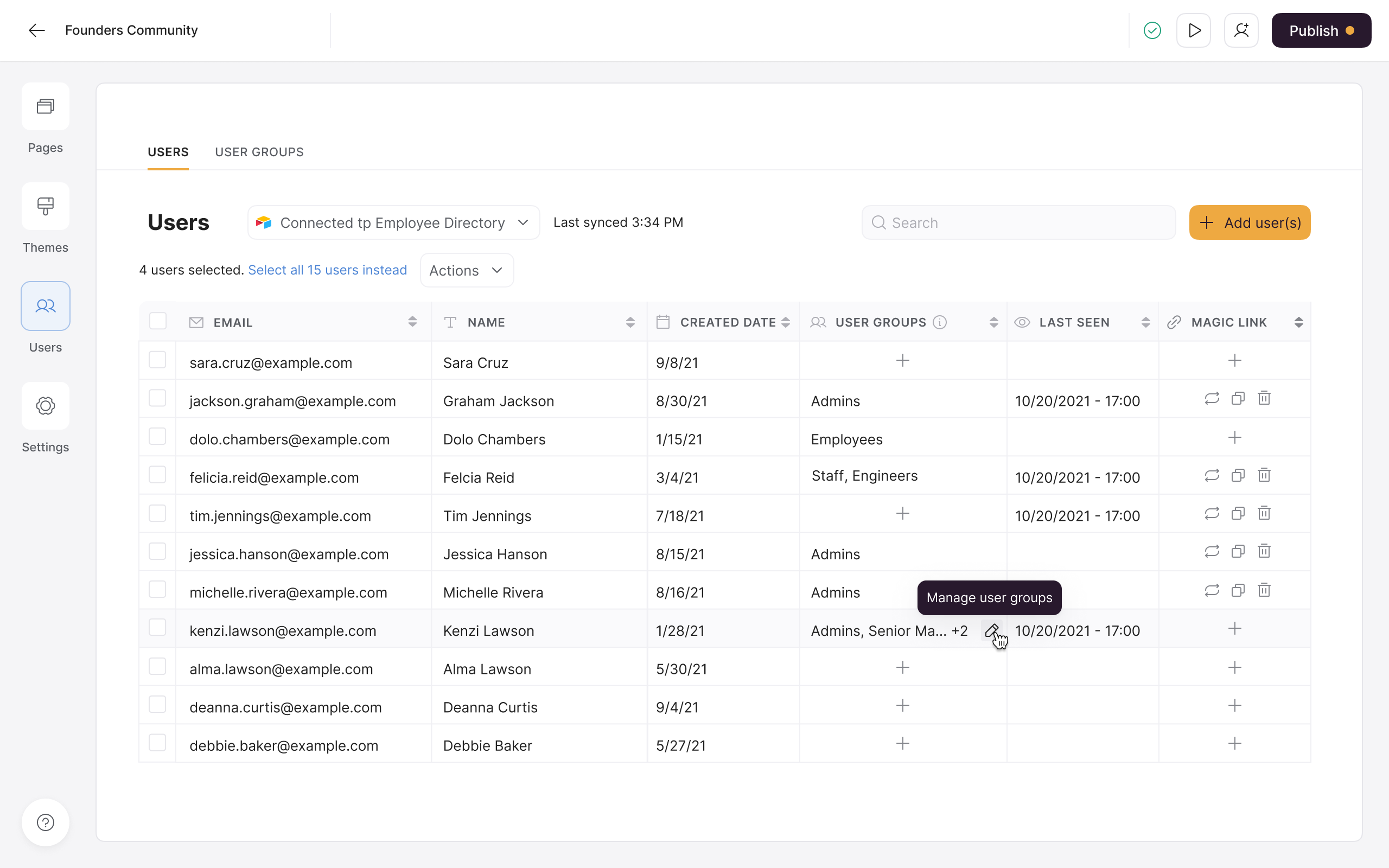
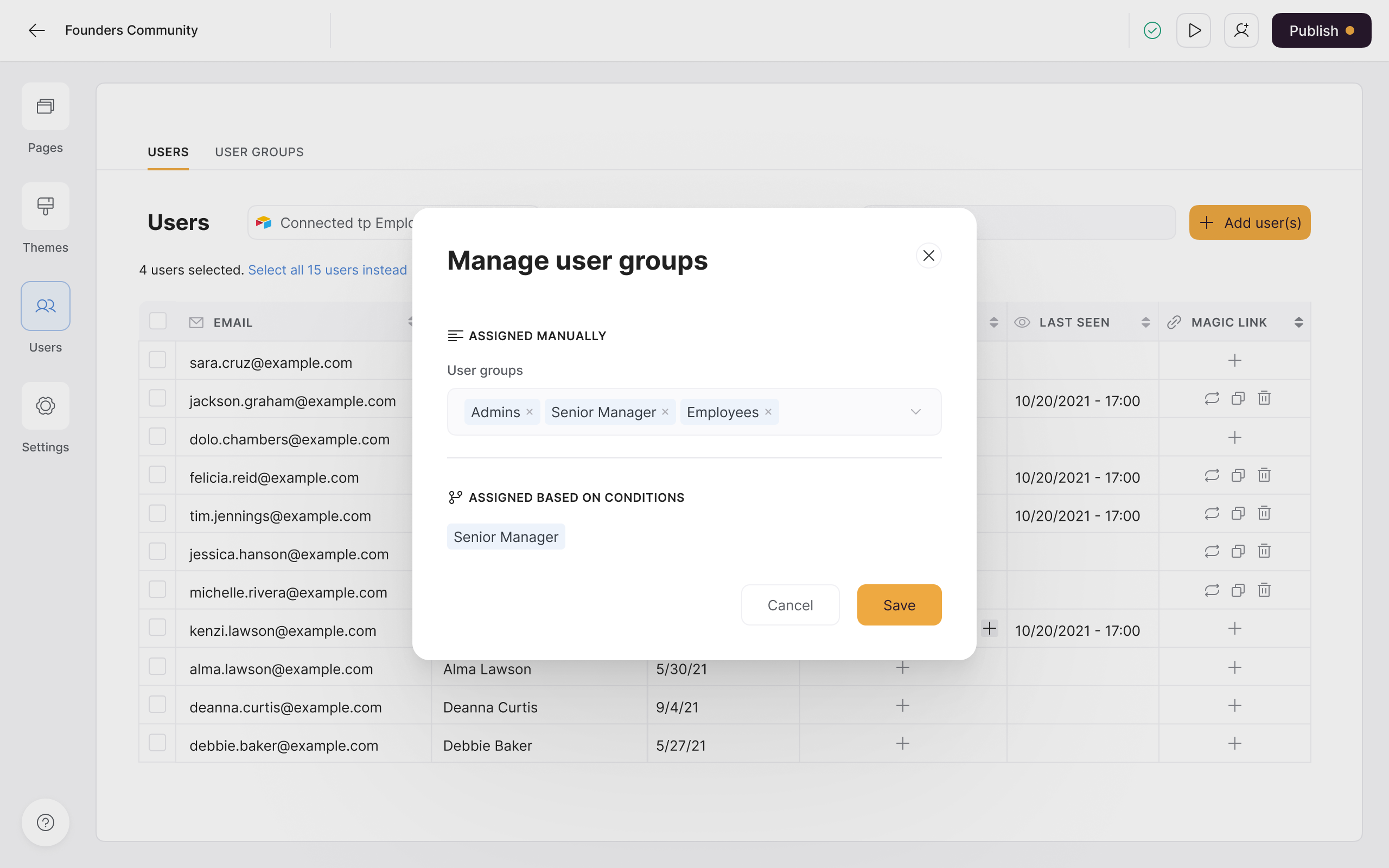
Set block and page visibility for your user group
Once you’ve created a user group, you can use it to control who can see a particular block or page. To set block visibility, go to the block’s visibility settings, select Logged-in users, and select the relevant user group from the dropdown list. To set page visibility, go to the page’s settings, select Logged-in users, and select the relevant user group from the dropdown list. Now, only users in the selected user group will be able to see the block or page.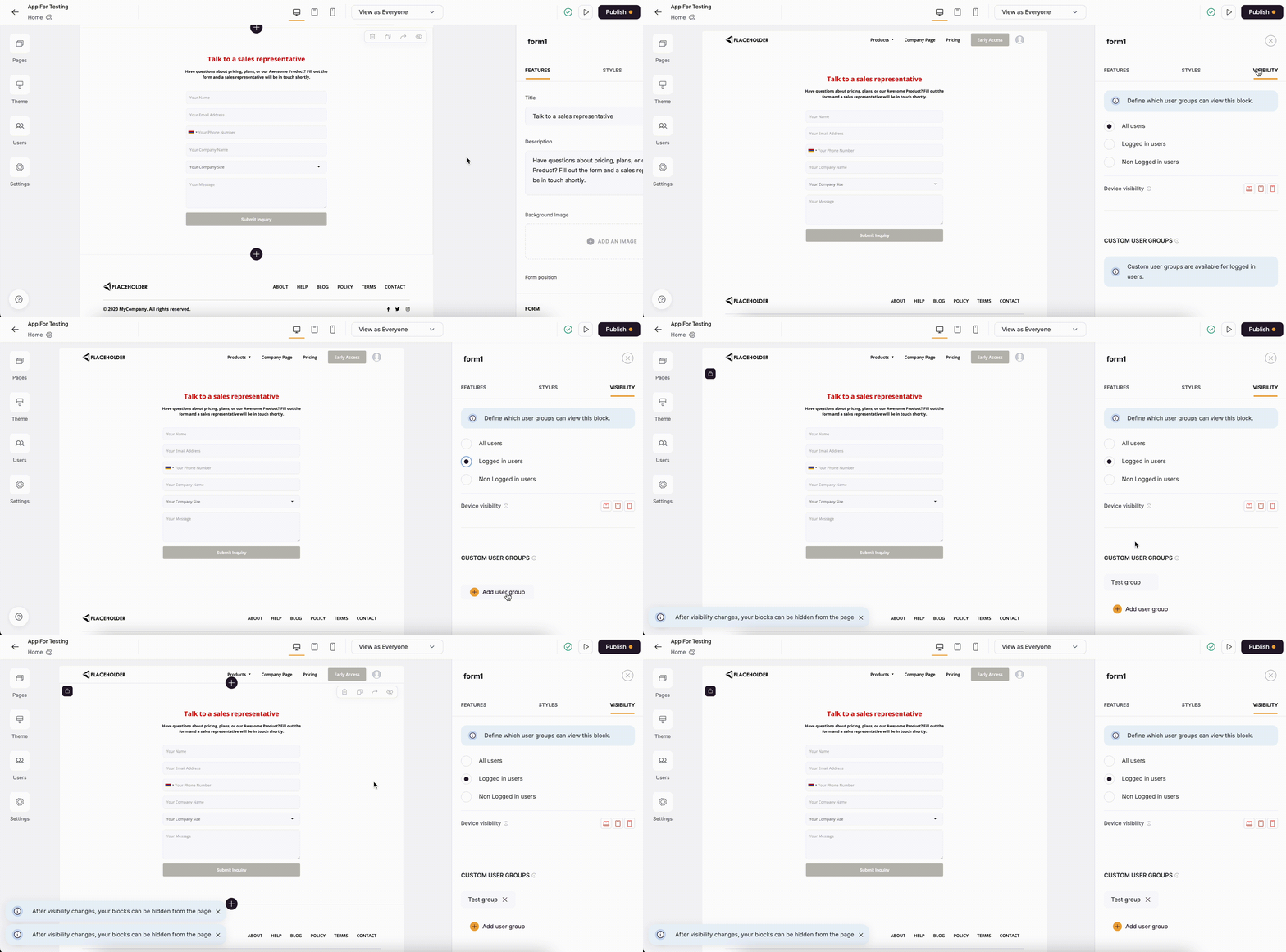
Setting block visibility for a user group
Set advanced action permissions for your user group
You can also use user groups to control who can perform specific actions on a block. To do this, go to the relevant block and open the Button visibility settings from the Actions tab. From there, you can define which user groups should be able to see and interact with the action.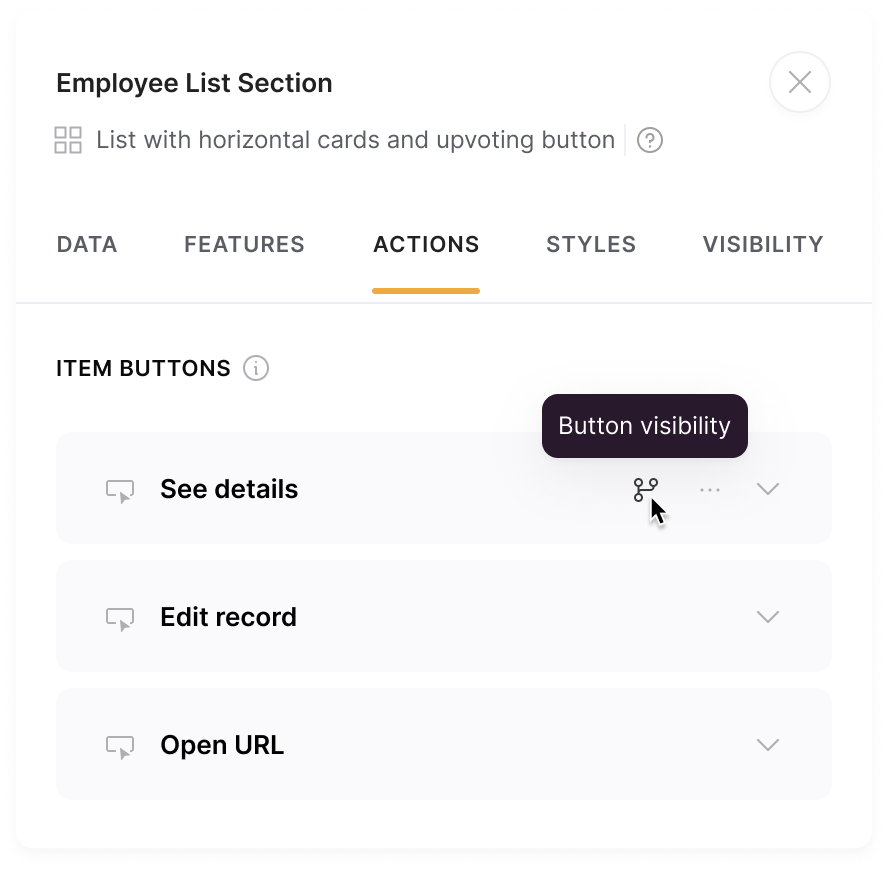
Open action button visibility settings
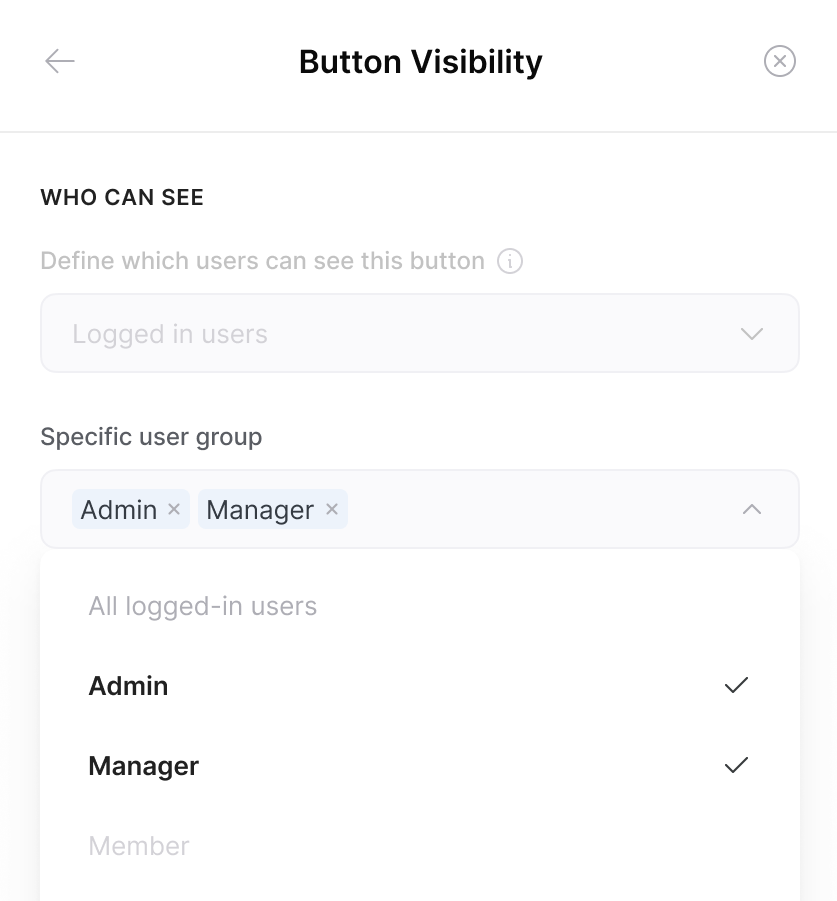
Select the user groups that can see and interact with this button
Edit, duplicate, remove user group
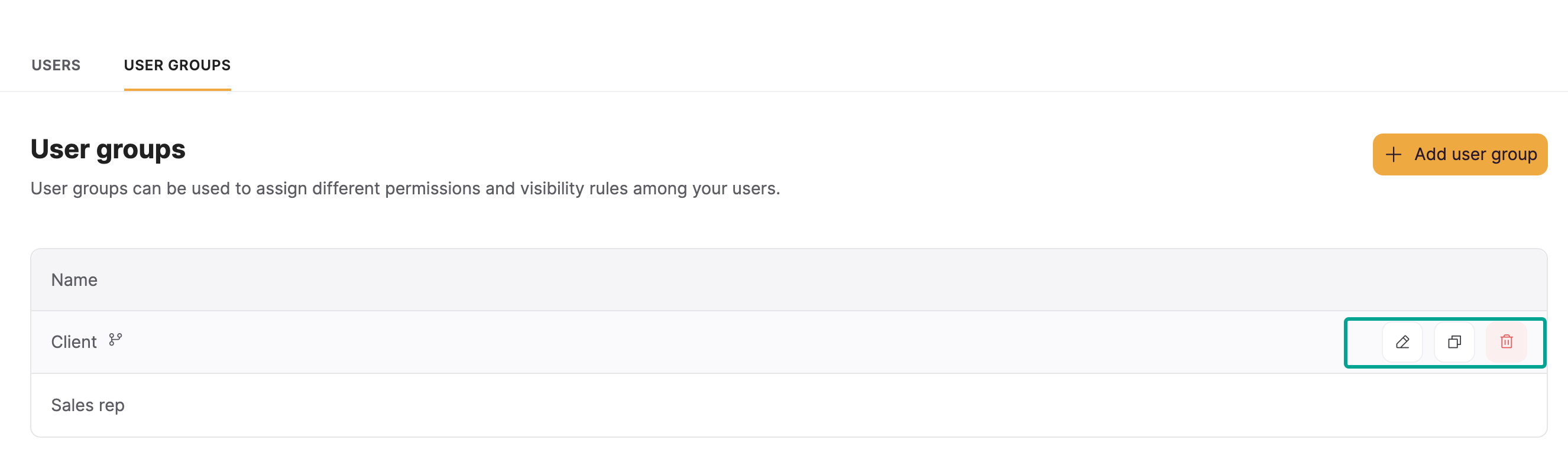
You can manage your user groups by navigating to Users > User Groups and hovering over relevant user group.