

- Open Page. Opens another page within your Softr app.
- Open Url. Opens any given Url.
-
Scroll To. Scrolls to a specific section on the same or on any other page.
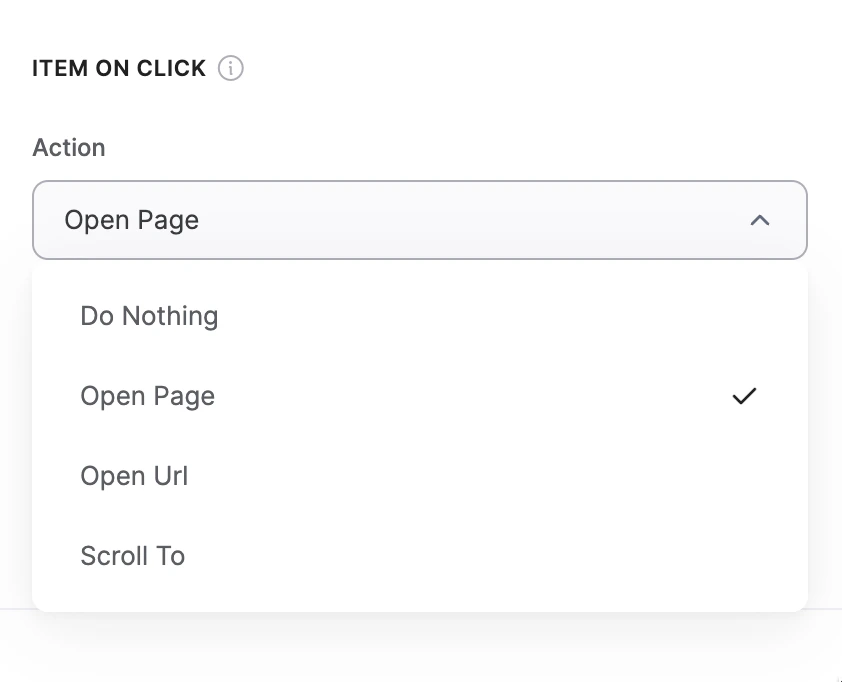
“Item on click” options
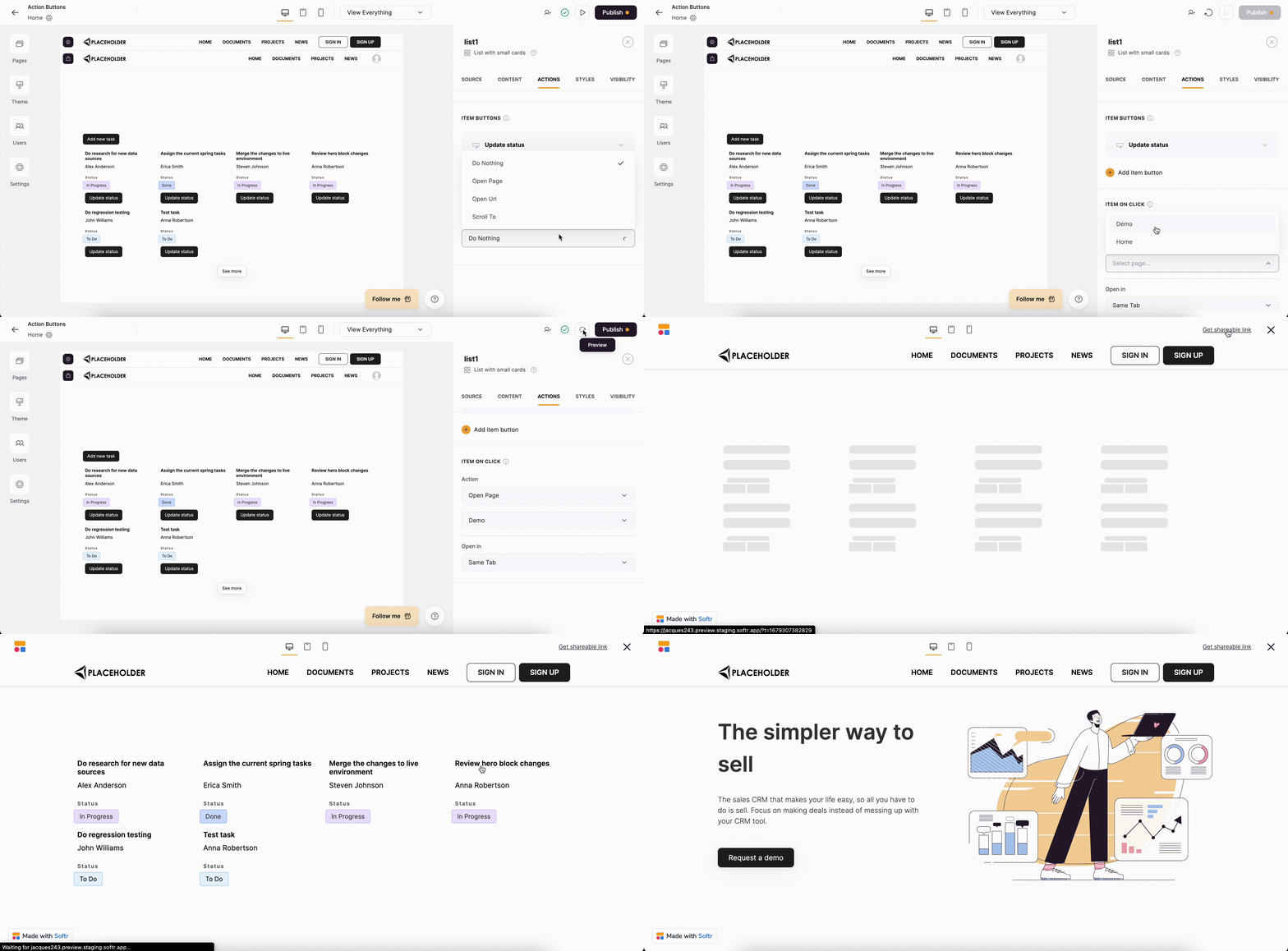
Opening a page on click
Open in
Further on, when you select one of these options, an Open in dropdown will appear below, where you can specify if the new destination should open in the Same Tab, in a New Tab, or inside a Modal (not available for the Scroll to option).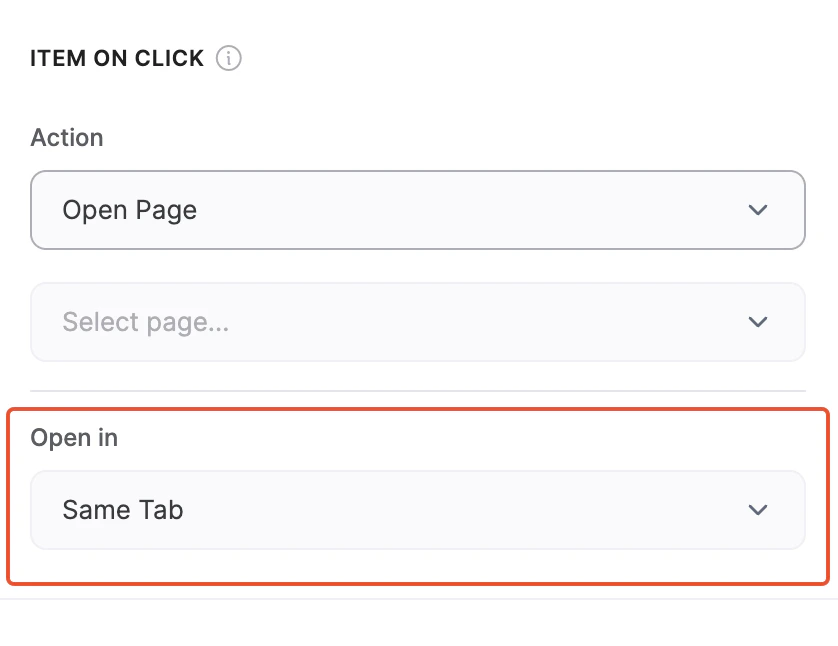
“Open in” dropdown
Modal
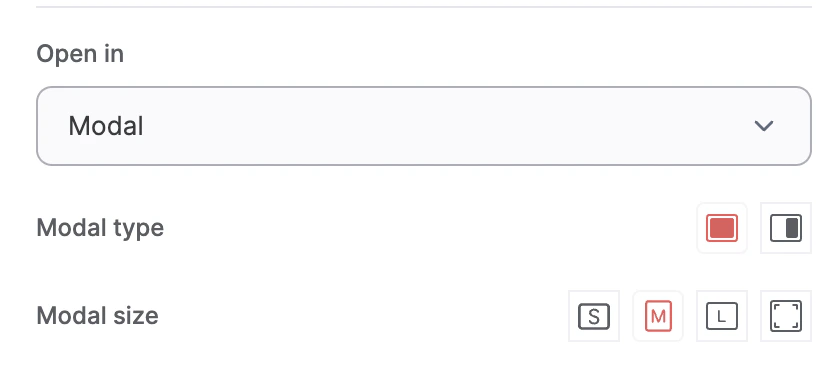
Modal settings
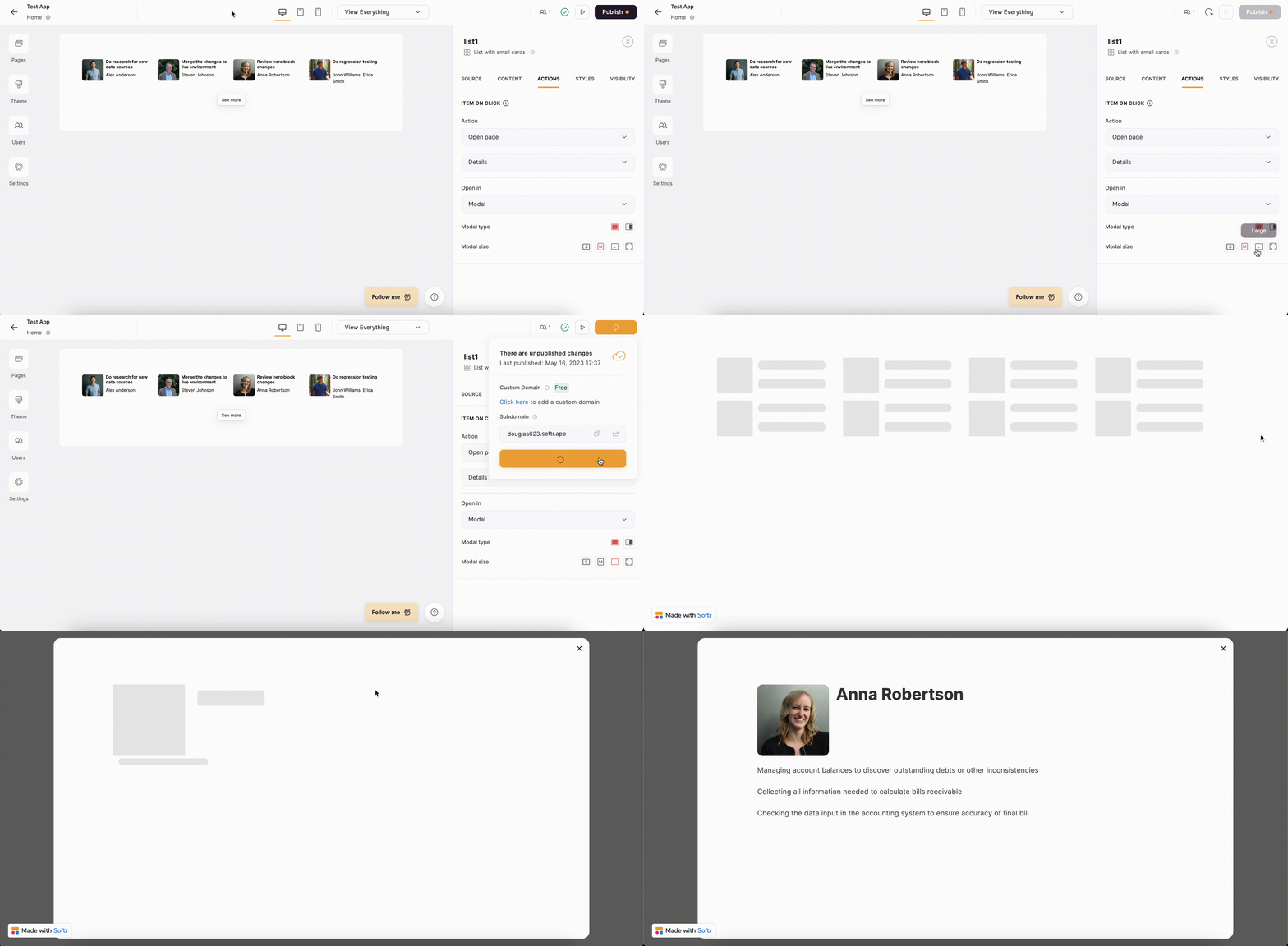
Centered modal
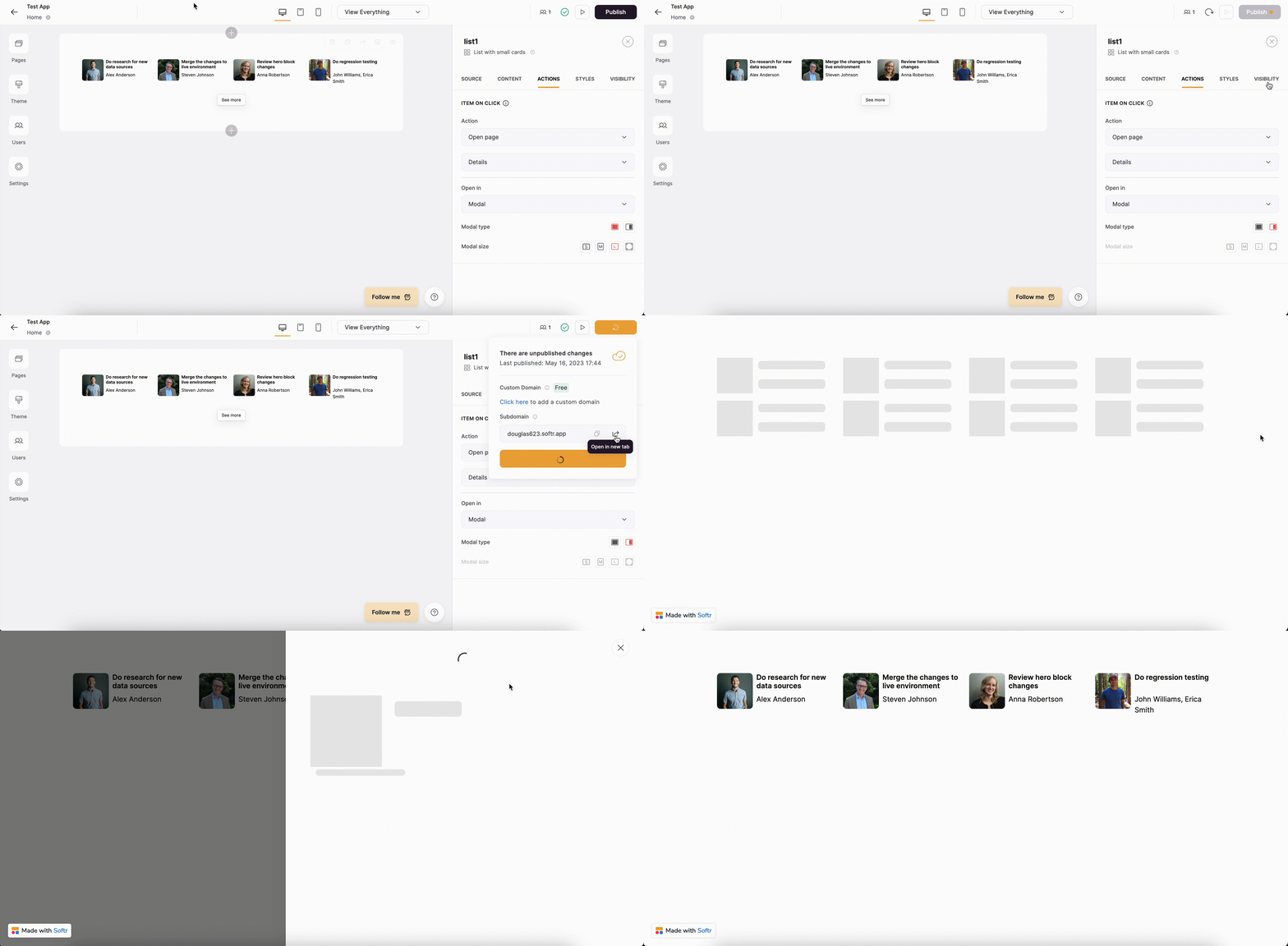
Sliding modal