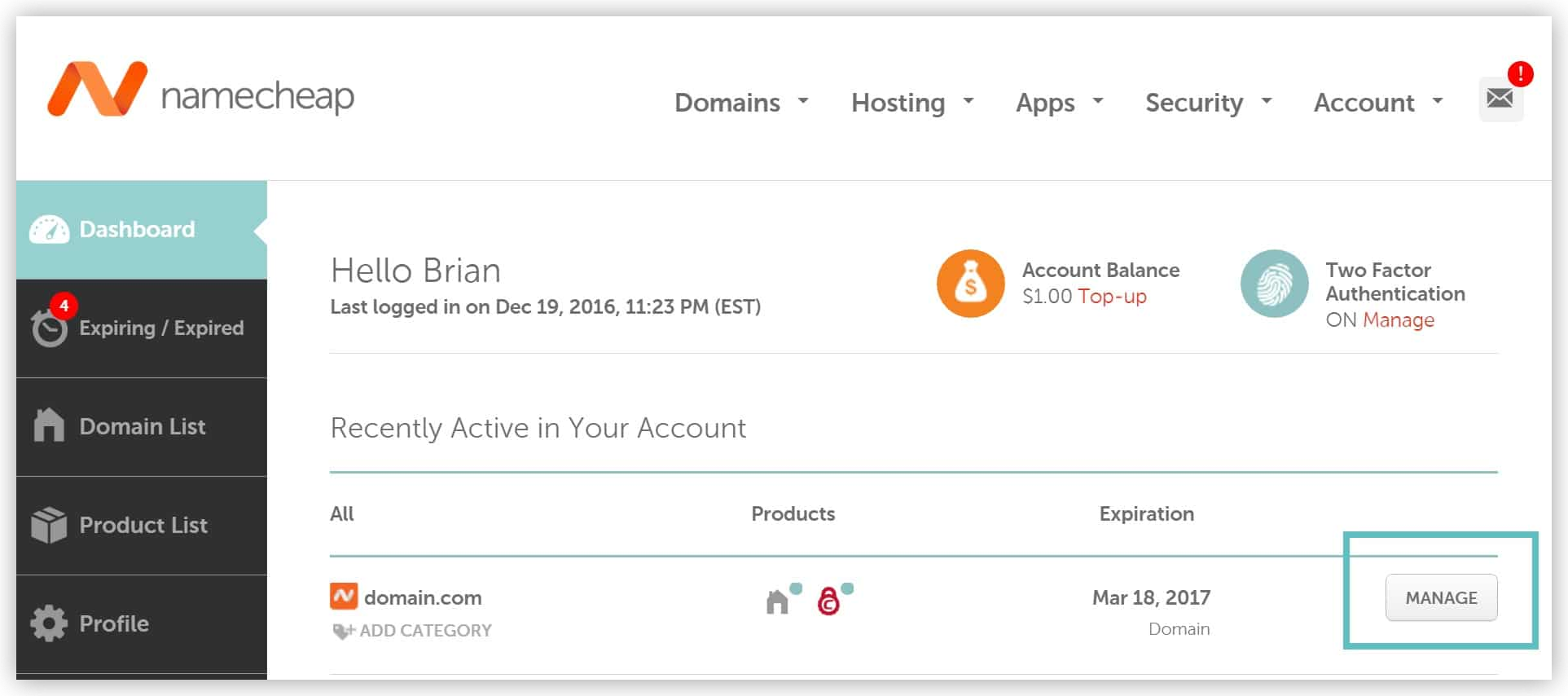
Next to the domain you want to point to Softr, click on “Manage”.
3
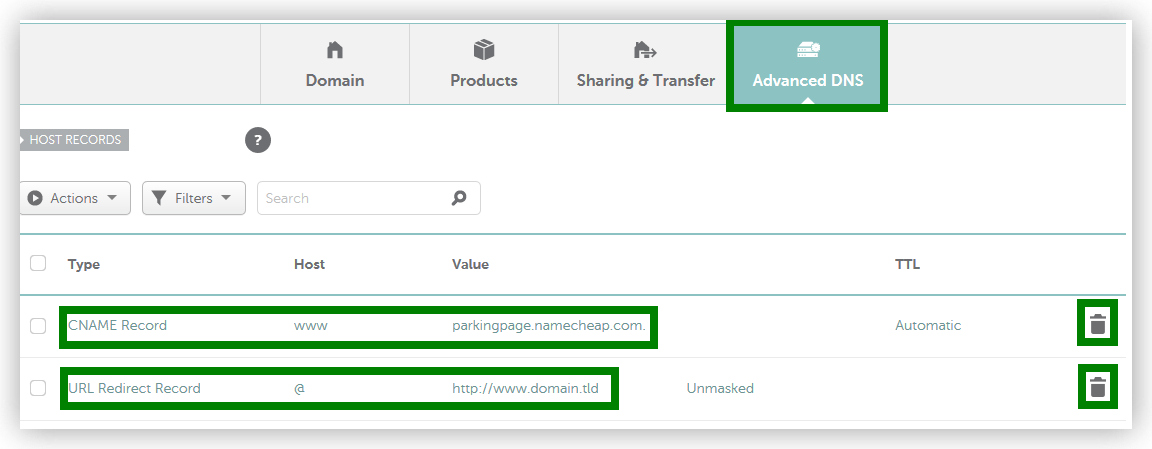
Click into the “Advanced DNS” tab. If you see CNAME Record and URL Redirect Record with parkingpage.namecheap like values please delete them.
If your screen doesn’t look like the image above, it’s most likely because you have your DNS pointed elsewhere. In other words, to create DNS records at Namecheap, you need to be using “Namecheap BasicDNS” which is included with every domain. You can check by going into the “Domain” tab.
4
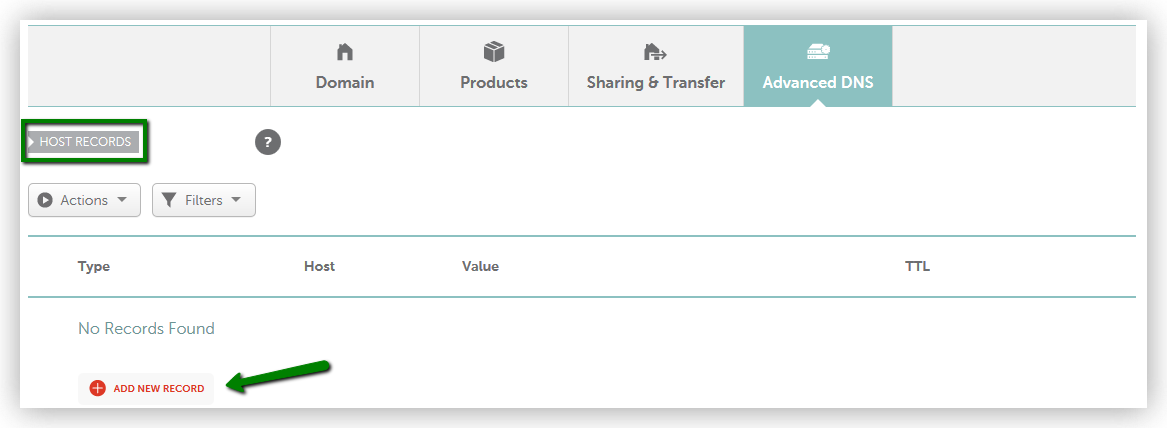
Click into the “Advanced DNS” tab and then click on “Add New Record”. If you see an A Record that already exists you will simply need to edit it (skip to the next step).
5
Add the two DNS records below. Softr shows you exactly what to create for your domain under Settings → General → Domains, once the domain has been added there.
Type
Host
Value
A Record
@
the IP address Softr shows you
CNAME Record
www
your root domain, for example example.com
Softr lists the exact records to create. Copy the Value column across to Namecheap.
In the CNAME row, the Value is your own root domain — for example example.com — not@. Namecheap uses @ as shorthand for the root domain in the Host column, but it is not a valid CNAME value.