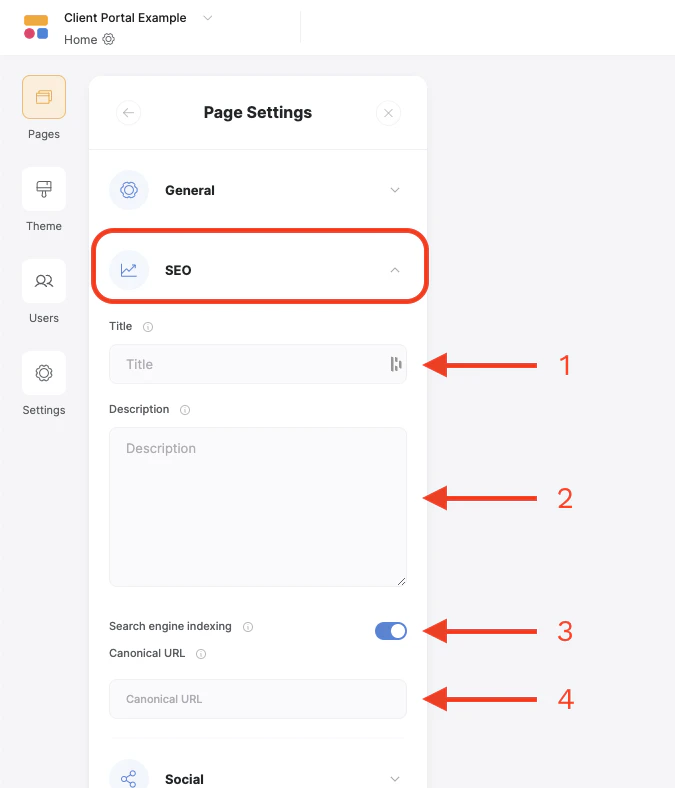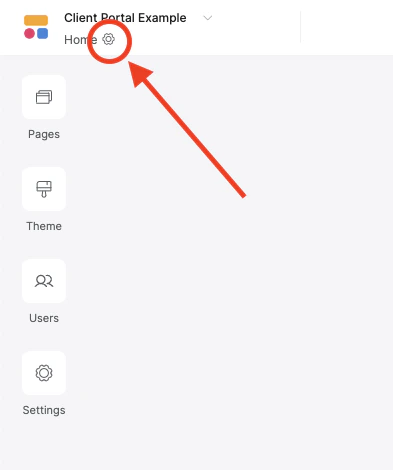
- Title - This normally appears in the tab of the browser and in search engine results if Search Indexing is enabled (see below). Should be around 40 characters or less
- Description - Appears in search engine results if Search Indexing is enabled. Should be between 160-180 characters.
- Search Engine Indexing - This toggle will allow search engines to find and index the page. If turned off, the page will not be visible to search engines.
-
Canonical URL - The canonical URL is the preferred URL for this page. If set, you can have similar pages indexed under an existing page to avoid conflicts in search results.