

- Title
- Subtitle
- Image
-
Features List

Feature block structure
Title and Subtitle
These are two text areas where you can enter the text.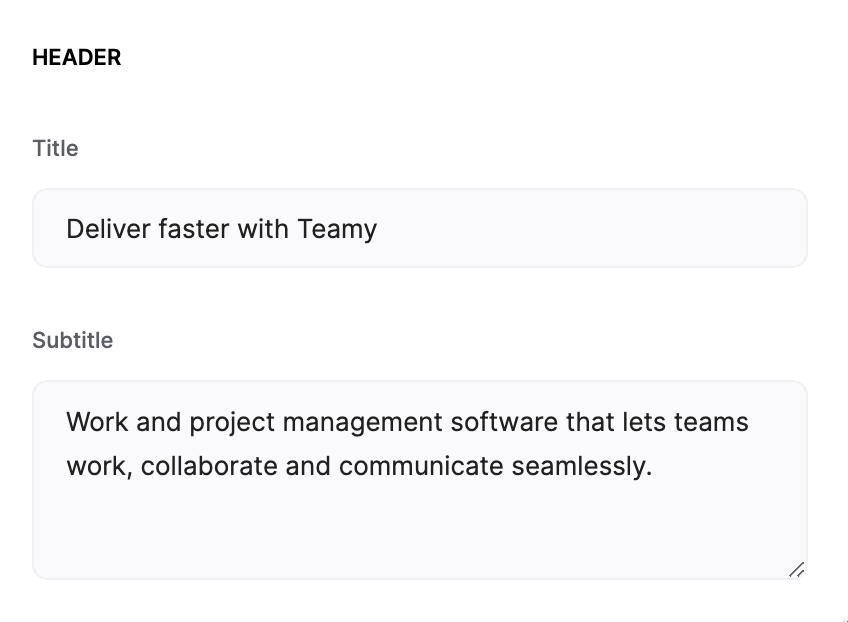
Title and Subtitle
Image and Background Image
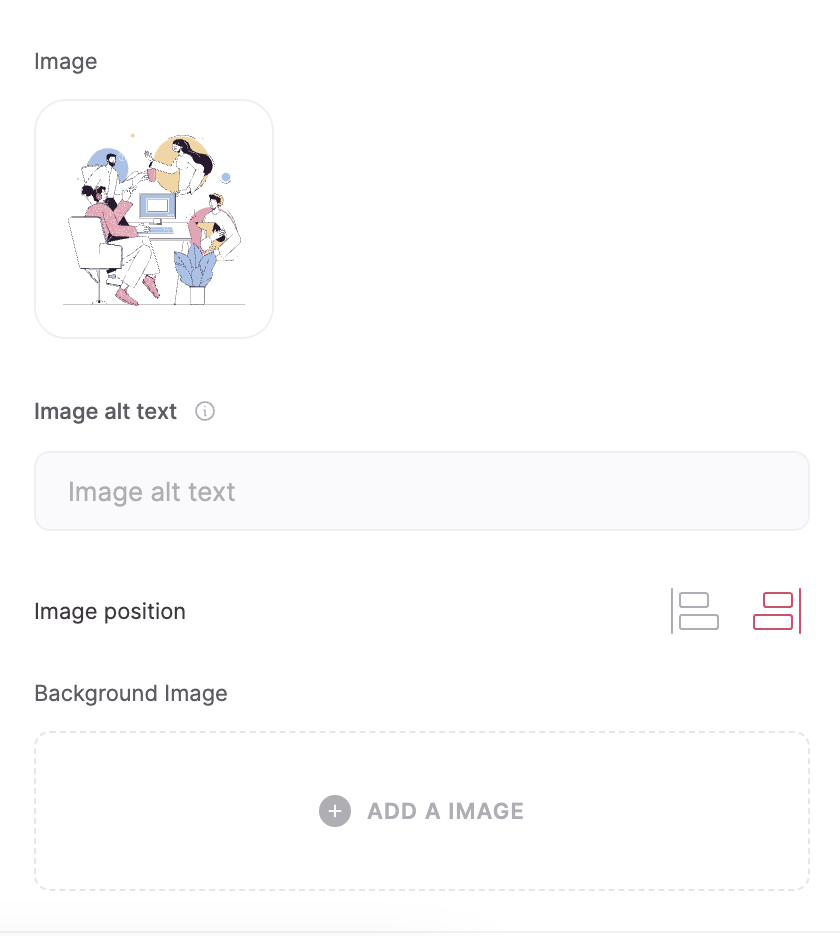
Image and Background Image
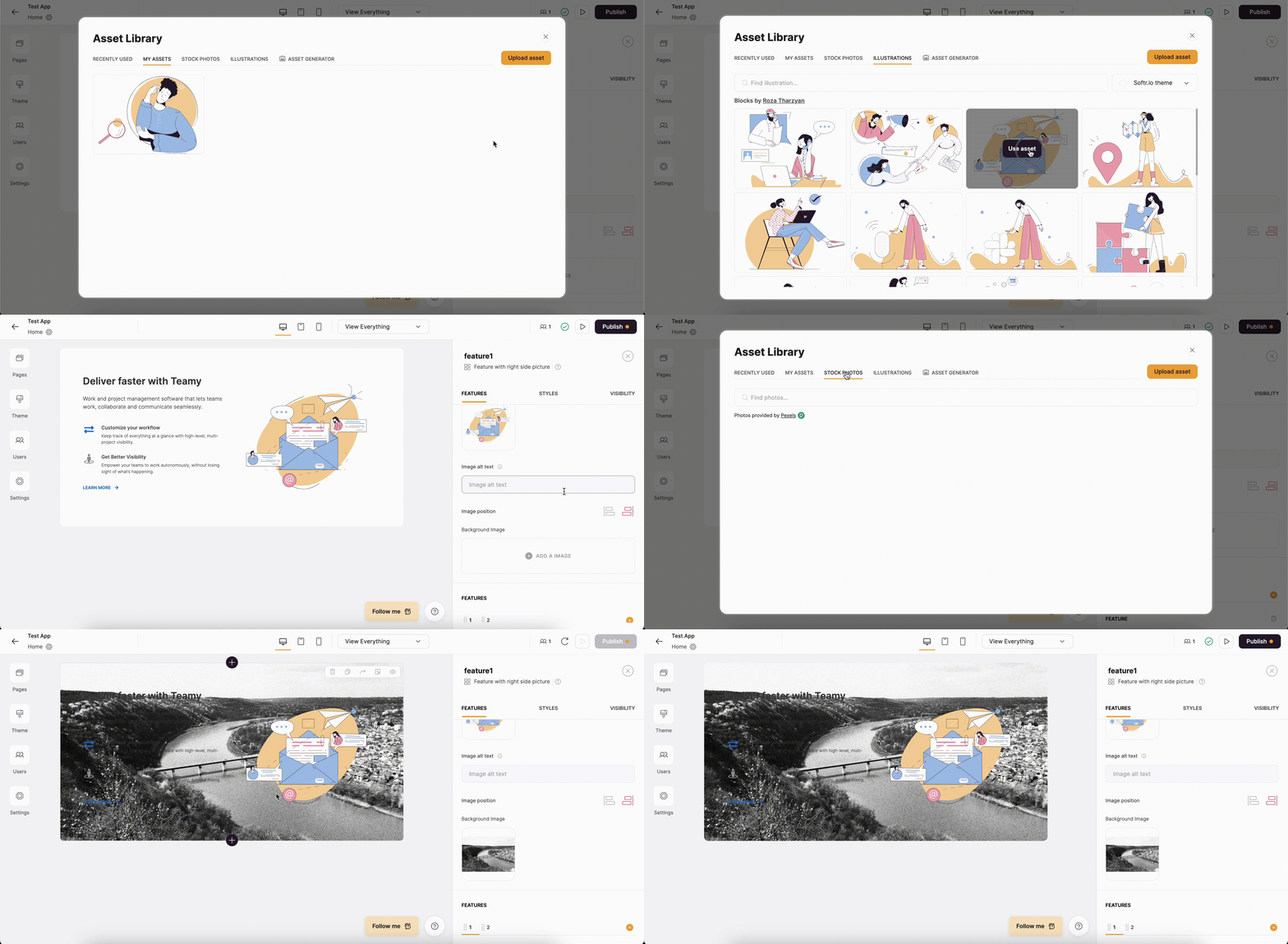
Adding an Image and Background Image to the Feature block
Features
In this section you add the features along with their Title, Description, and Icon. The features are added within separate tabs as shown below. There’s also a plus button for adding a new feature tab as well as a delete option to delete the current feature.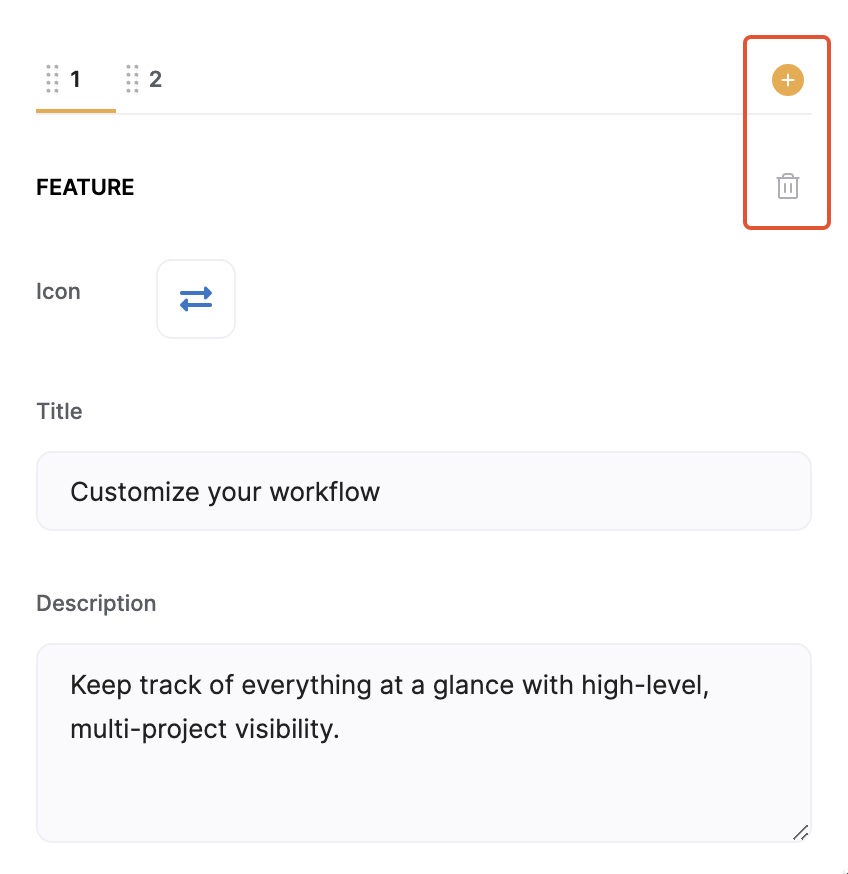
Add and Delete options
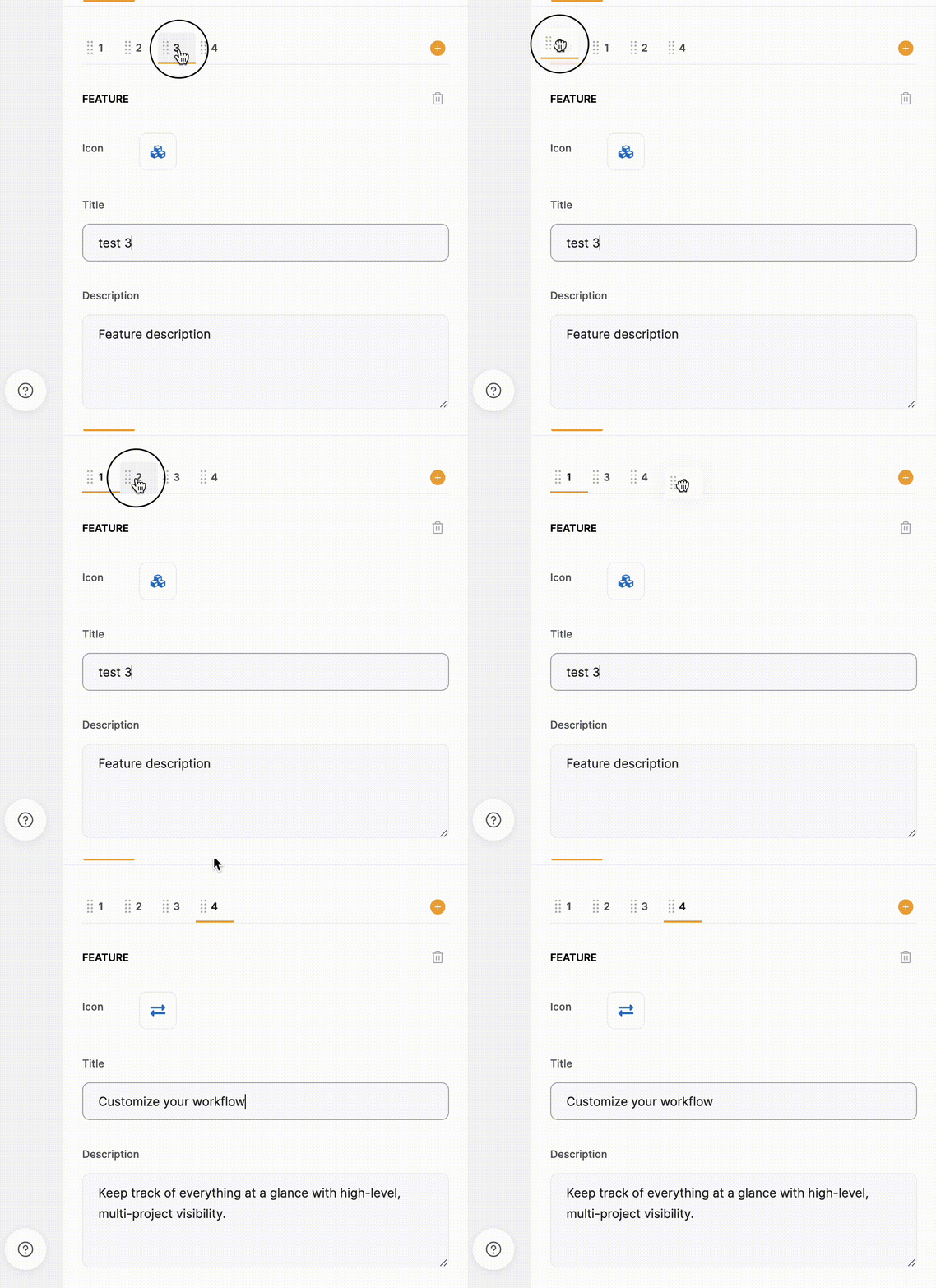
Reorganizing tabs
Feature Block Layouts
Layout: Feature with right side picture

Feature with right side picture
Layout: Feature with left side picture
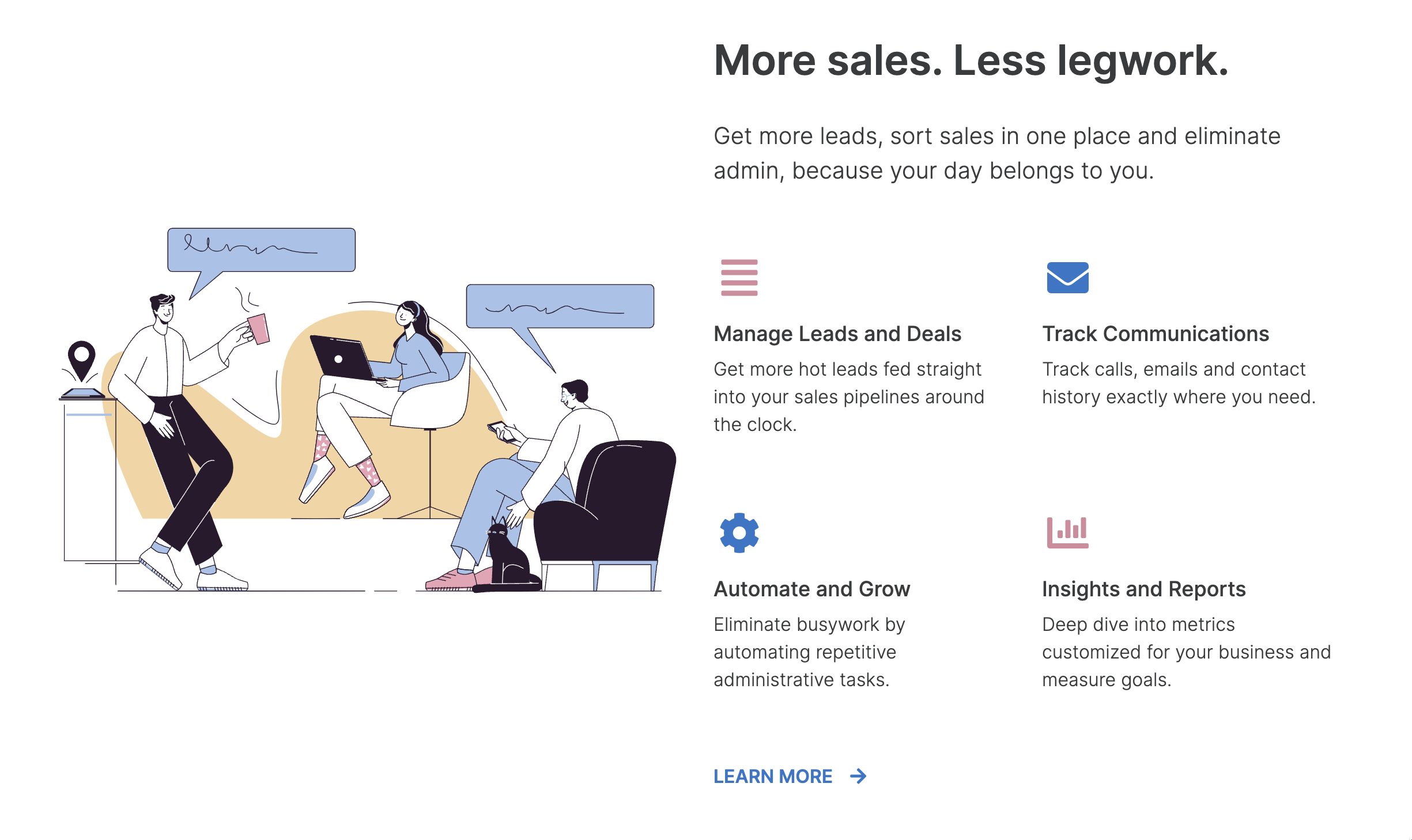
Feature with left side picture
Layout: Feature with link
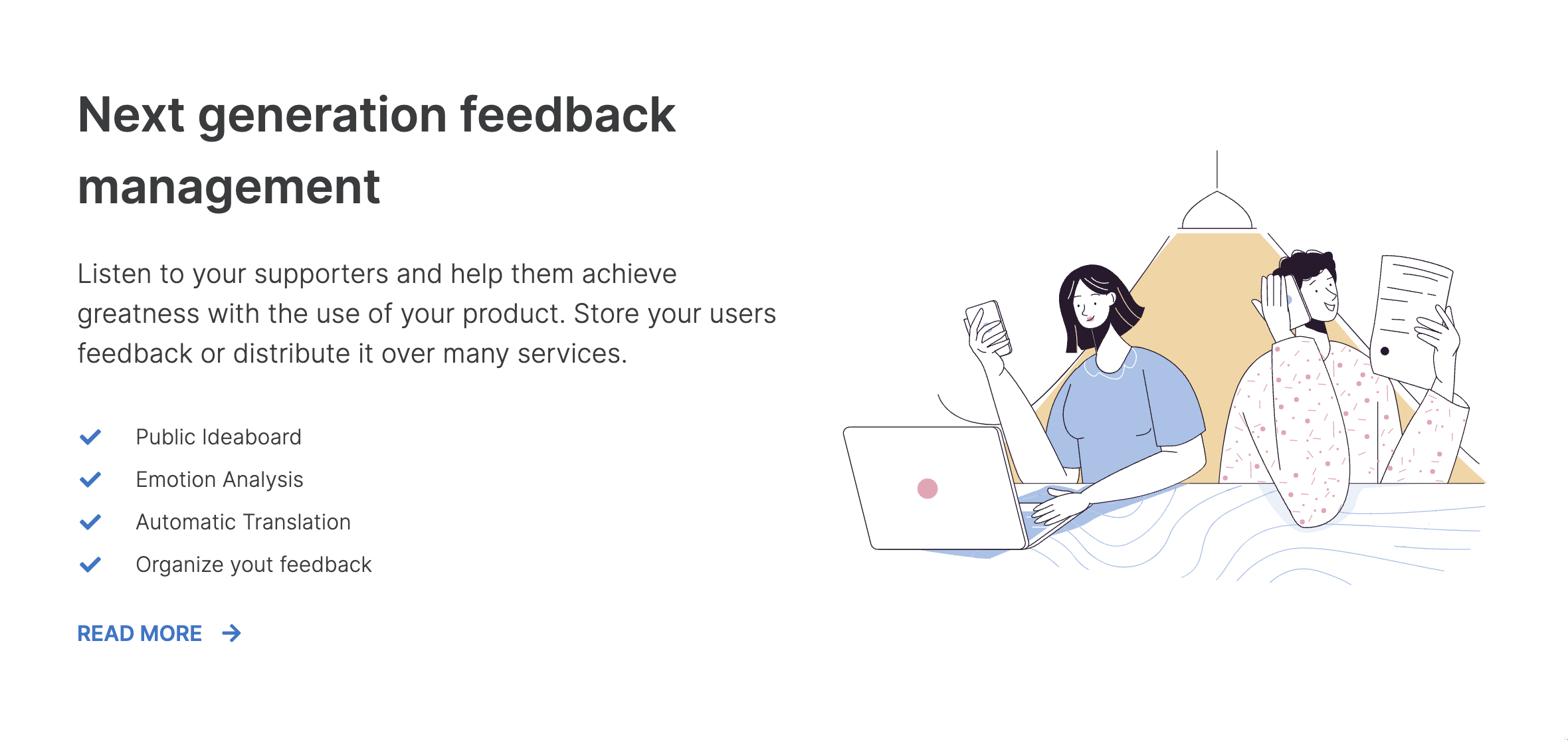
Feature with link
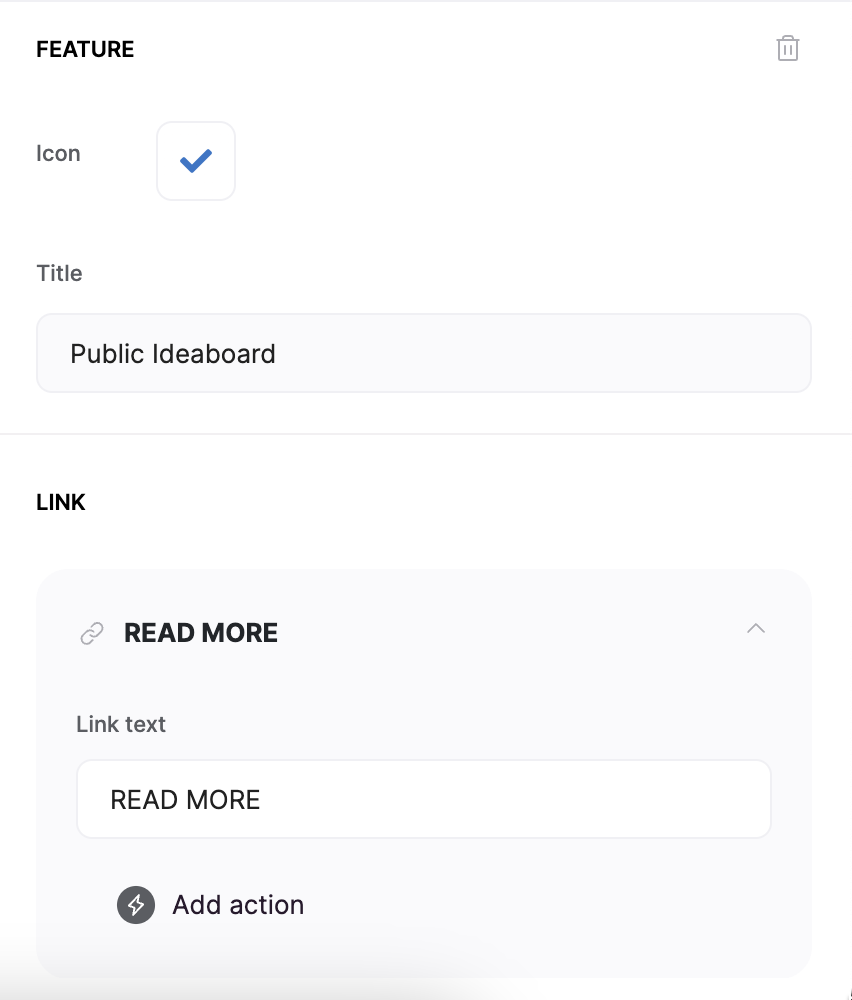
Link setup for feature
Layout: Feature with product demo
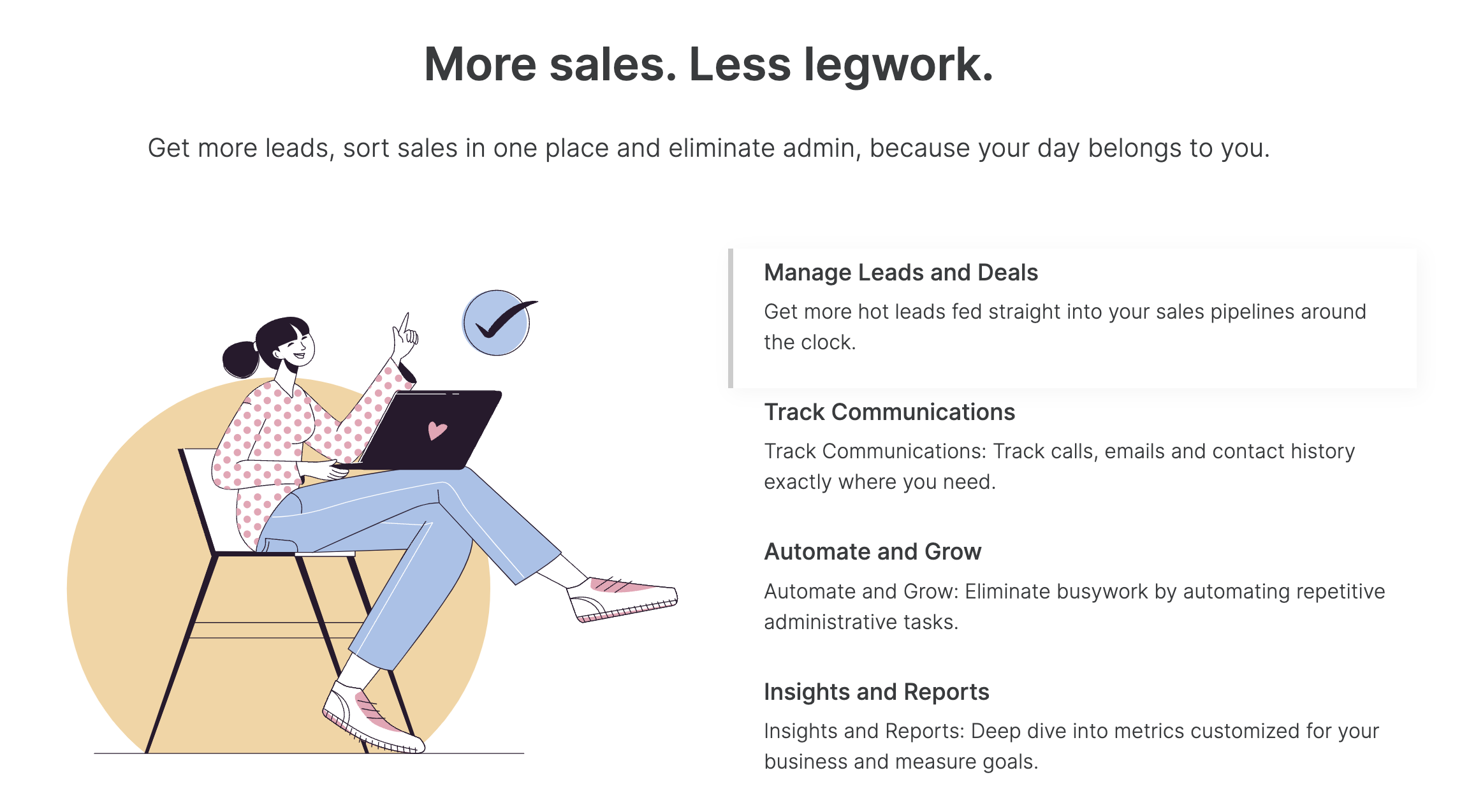
Feature with product demo
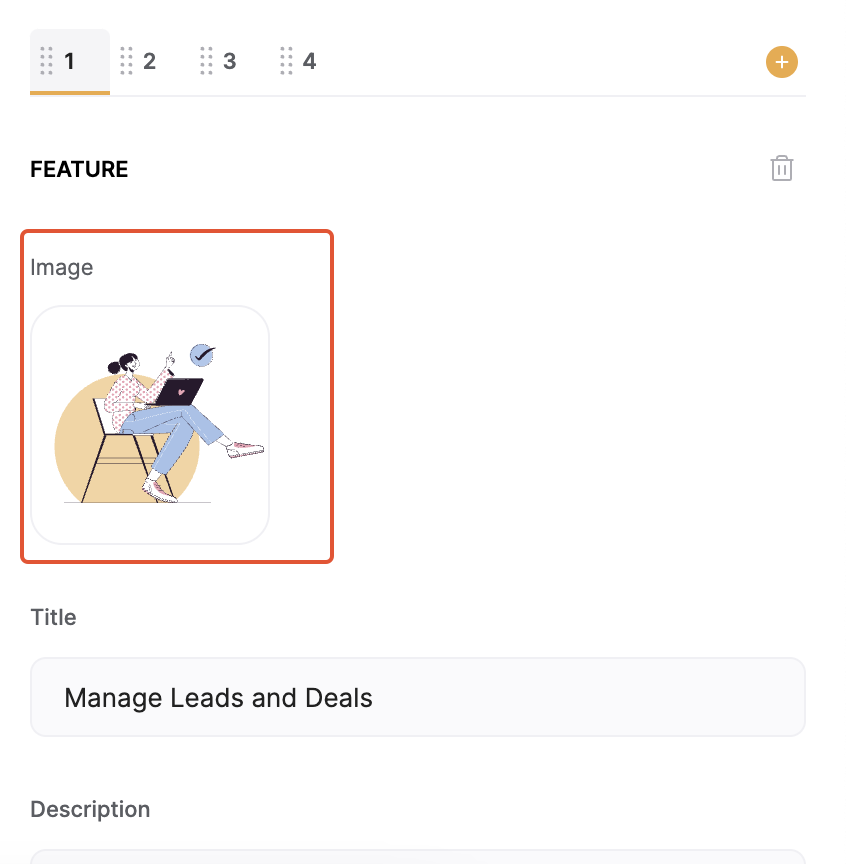
Image option for each feature

How the block works