

Slack integration
Connect Slack with your Softr applications to automate updates, streamline team communication, and keep everyone aligned in real time. Build workflows that send notifications, post updates, and engage your team directly in Slack — all without code.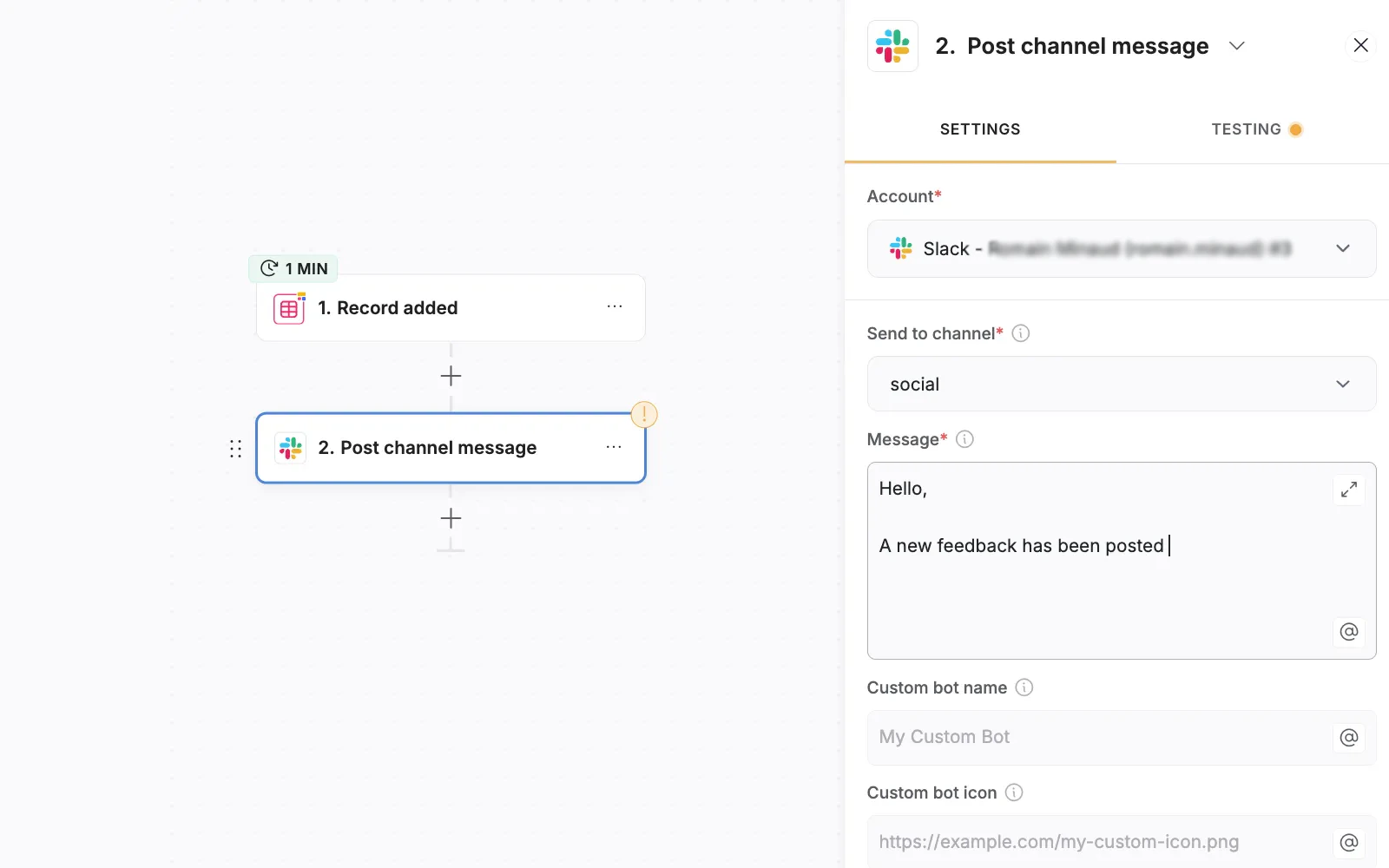
Overview
The Softr Slack integration allows you to connect your no-code apps with your Slack workspace. Automatically send messages, alerts, and updates from your Softr app whenever key events occur, such as form submissions, user sign-ups, or data changes. Keep your team informed and responsive without manual effort. With Softr, you can post messages to public or private Slack channels, or send direct messages to individual users based on triggers in your app — helping your team stay on top of what matters most.Available Actions
Find Slack user
Find a Slack user by email address or by user ID to send targeted messages.Send direct message
Send a personalized message to a specific Slack user from your Softr app.Post channel message
Post automated messages to any public or private Slack channel, keeping your team updated in real time.Key Benefits
- No-code simplicity: Set up and manage your Slack workflows visually in Softr, without any technical setup.
- Real-time communication: Share critical updates instantly with your team in Slack.
- Customizable automations: Choose exactly which events in Softr trigger messages in Slack.
- Team alignment: Reduce context switching and keep communication centralized.
Example Use Cases
How to Connect Softr with Slack
- Open your Softr app and go to Workflows.
- Create a new workflow and add a Slack action.
- Click Connect to Slack and authorize your Slack workspace.
- Define triggers and customize your messages.
- Save and activate your workflow.