

Locating Intercom Workspace ID
First, you need to locate your Intercom workspace ID (app ID). It can be found in the URL of any page you have open in Intercom. It’s the code that comes after apps/.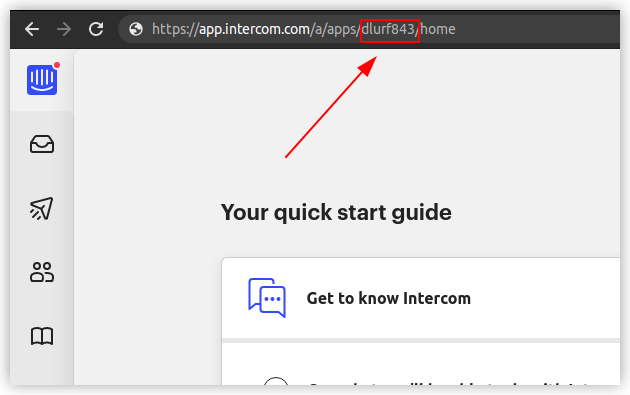
Locating the workspace ID
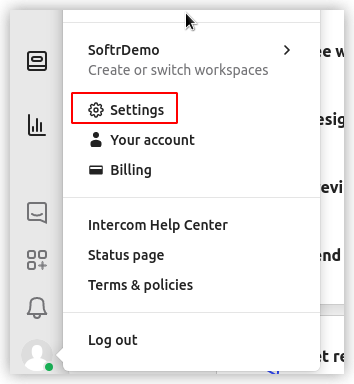
Navigating to Settings
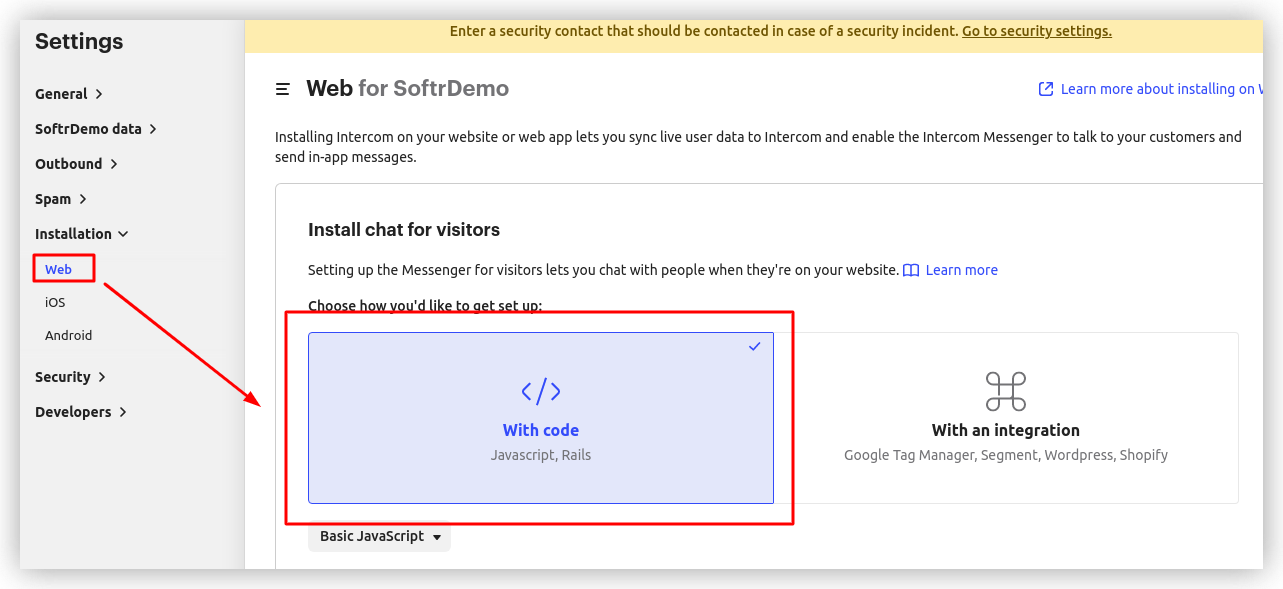
Widget installation
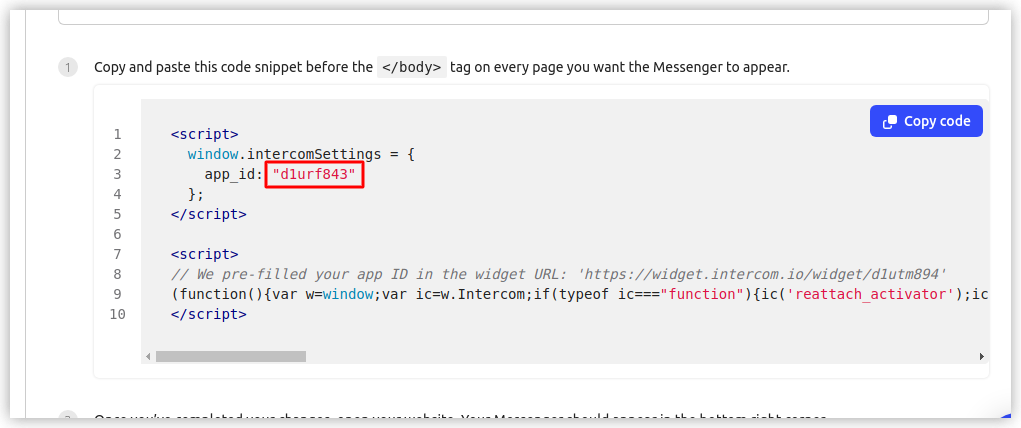
Copying app ID
Adding Workspace ID in Softr Studio
So, after copying the workspace ID, navigate to Settings => Integrations => Intercom in your Softr Studio and paste the ID.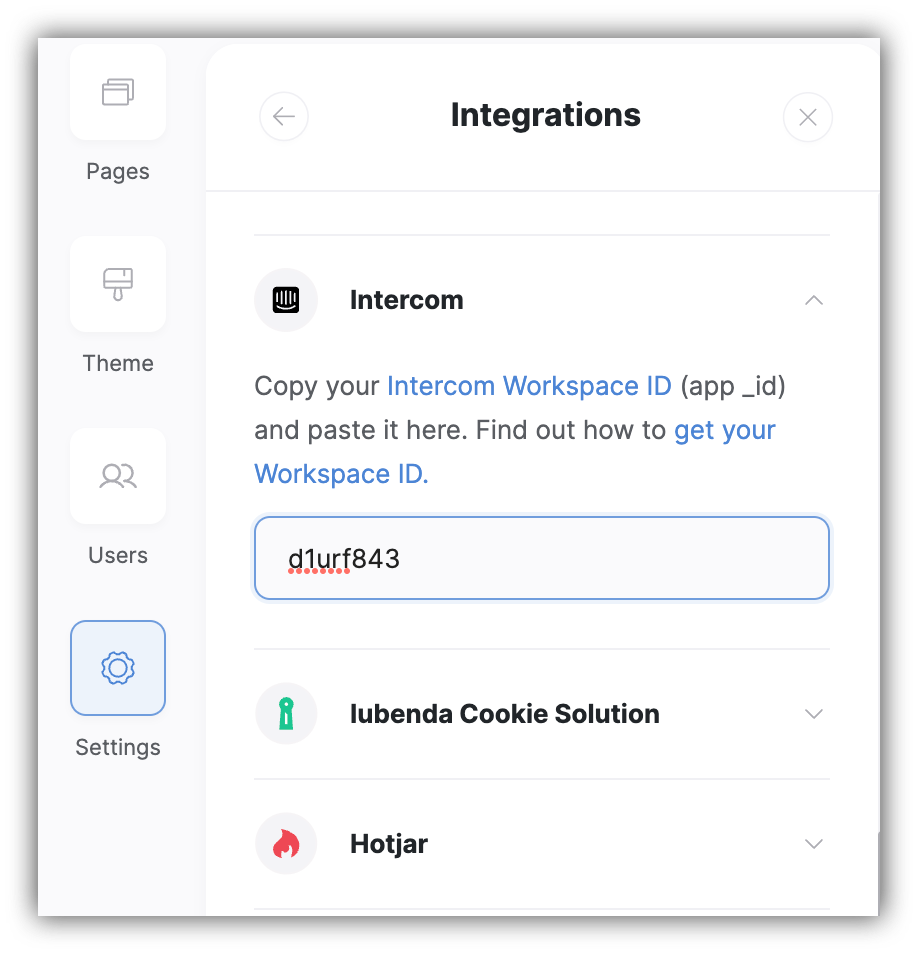
Adding Intercom ID in Softr

Intercom widget added to site