

Generating a Banner
In your Iubenda account home page, click the Start Generating button.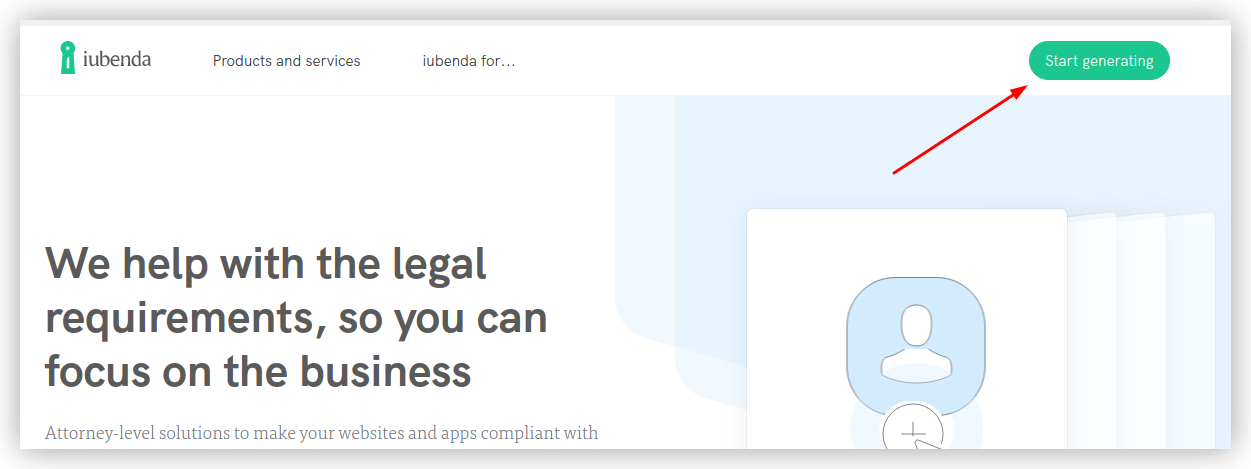
Start generating
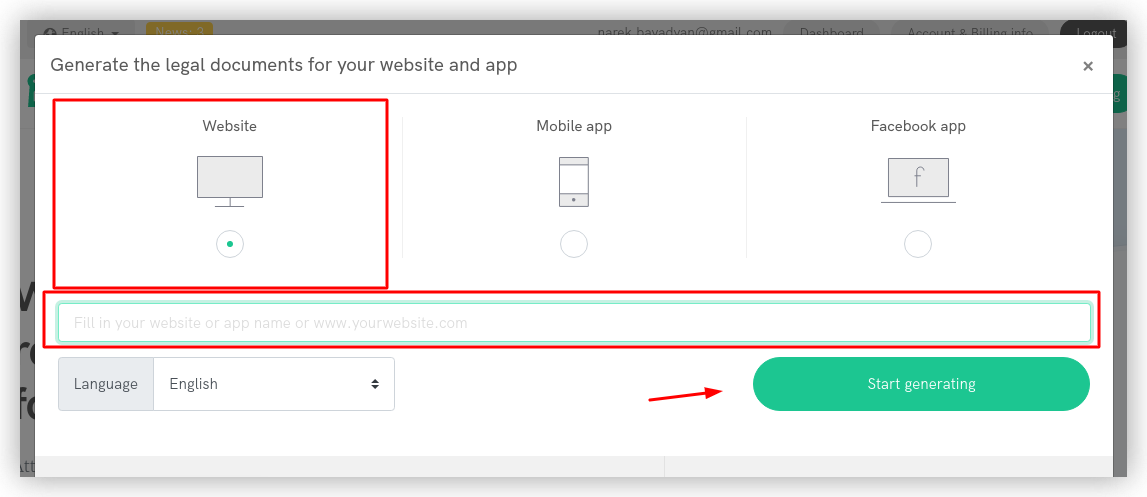
Choosing the “Website” option
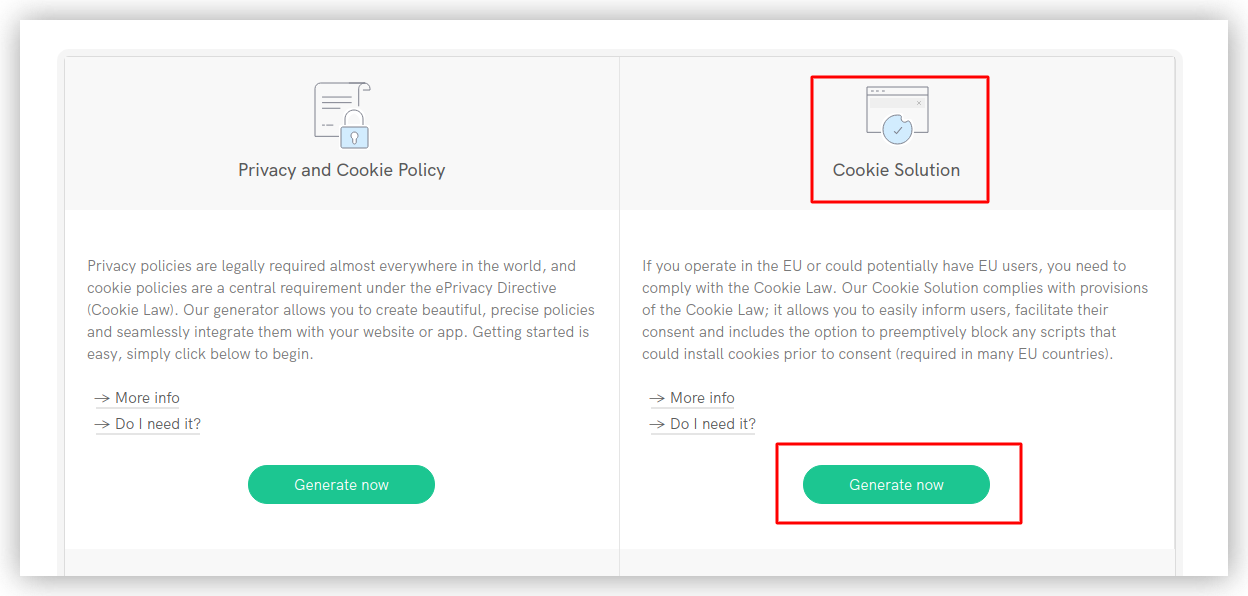
Generating the code
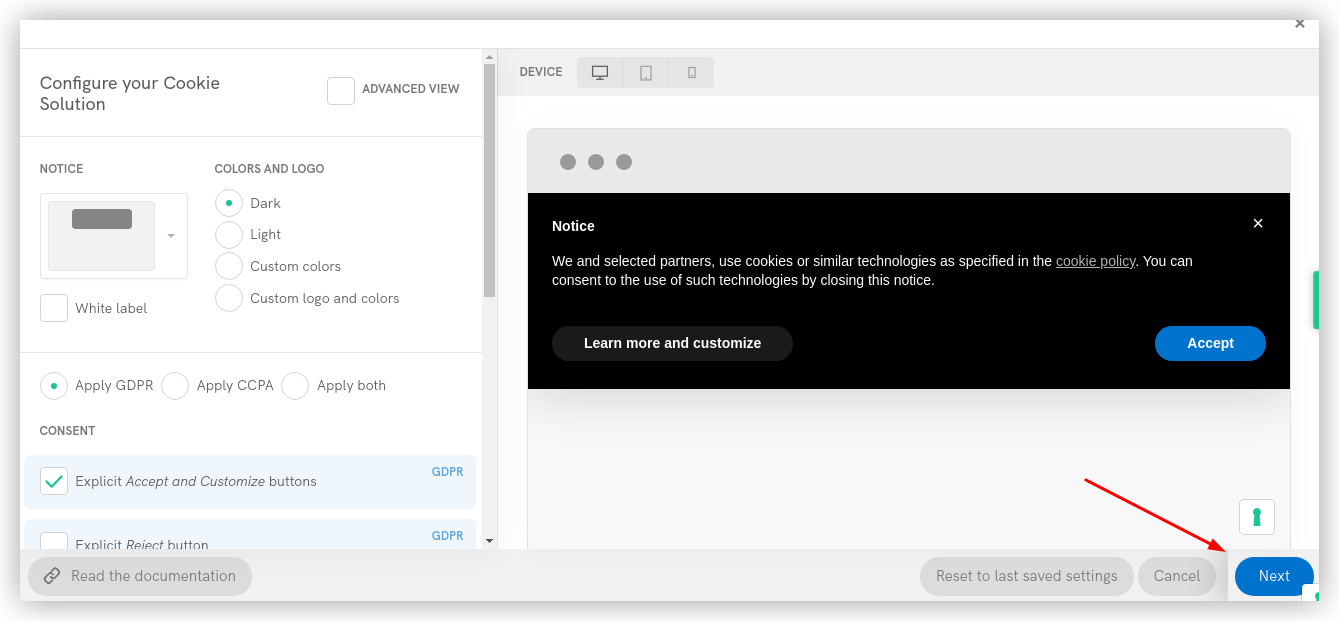
Customizing the banner design
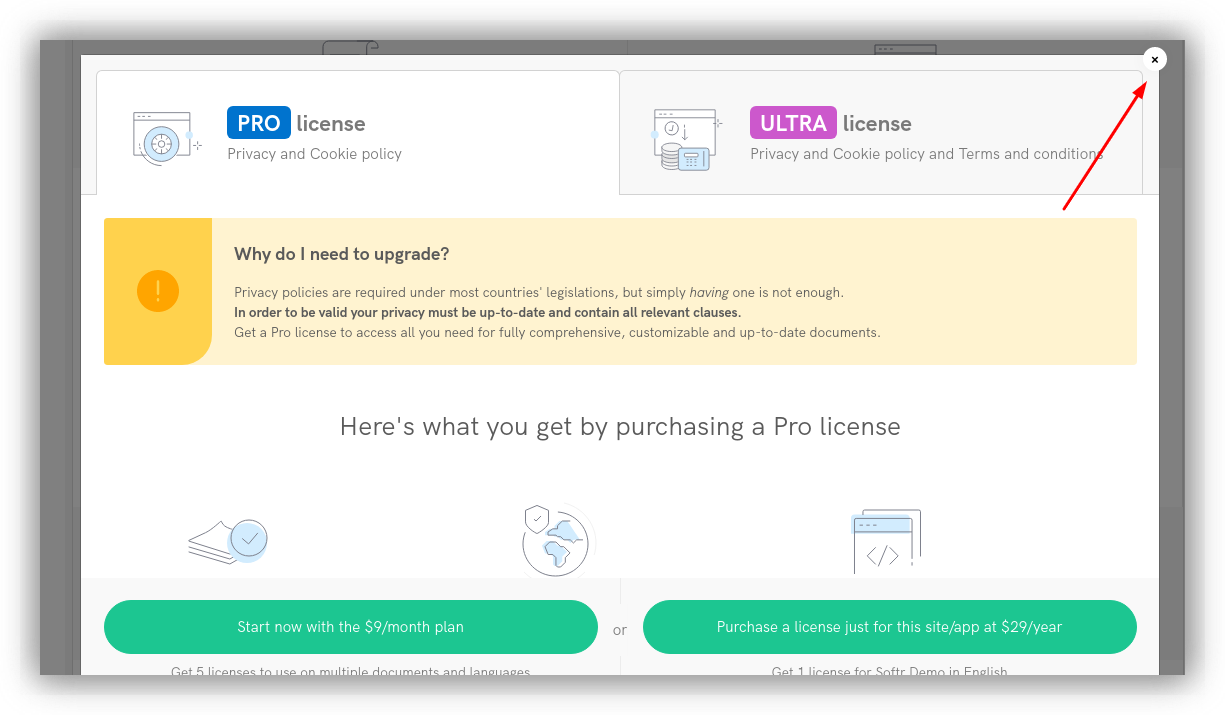
Closing the upgrade pop-up
Getting the Banner Code
Now, you should see an Embed button under Cookie Solution. Click the button to get the banner code.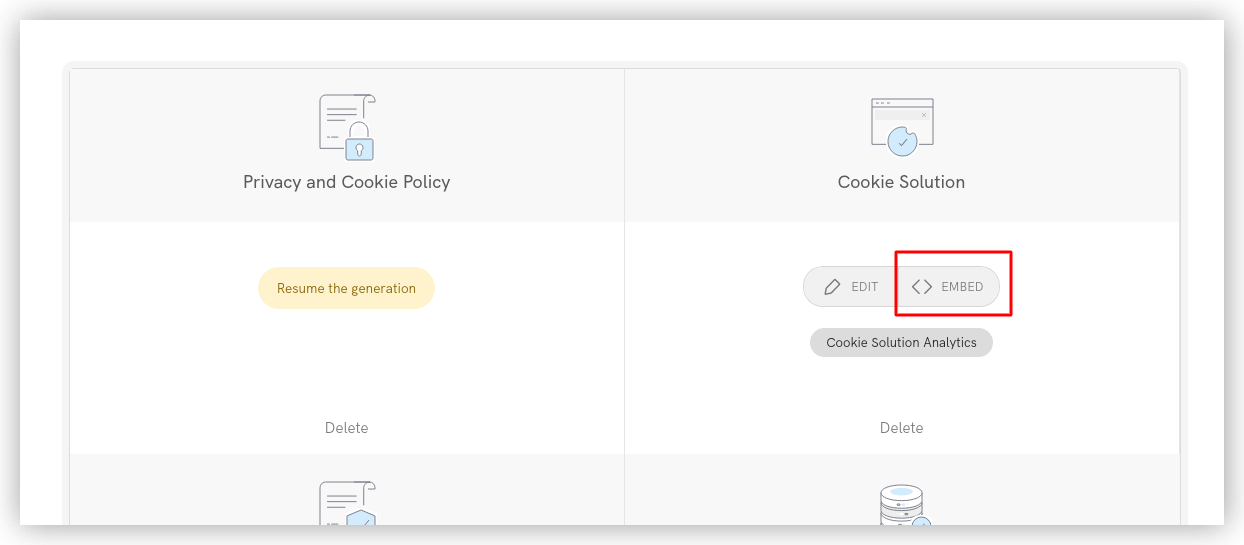
Getting the embed code
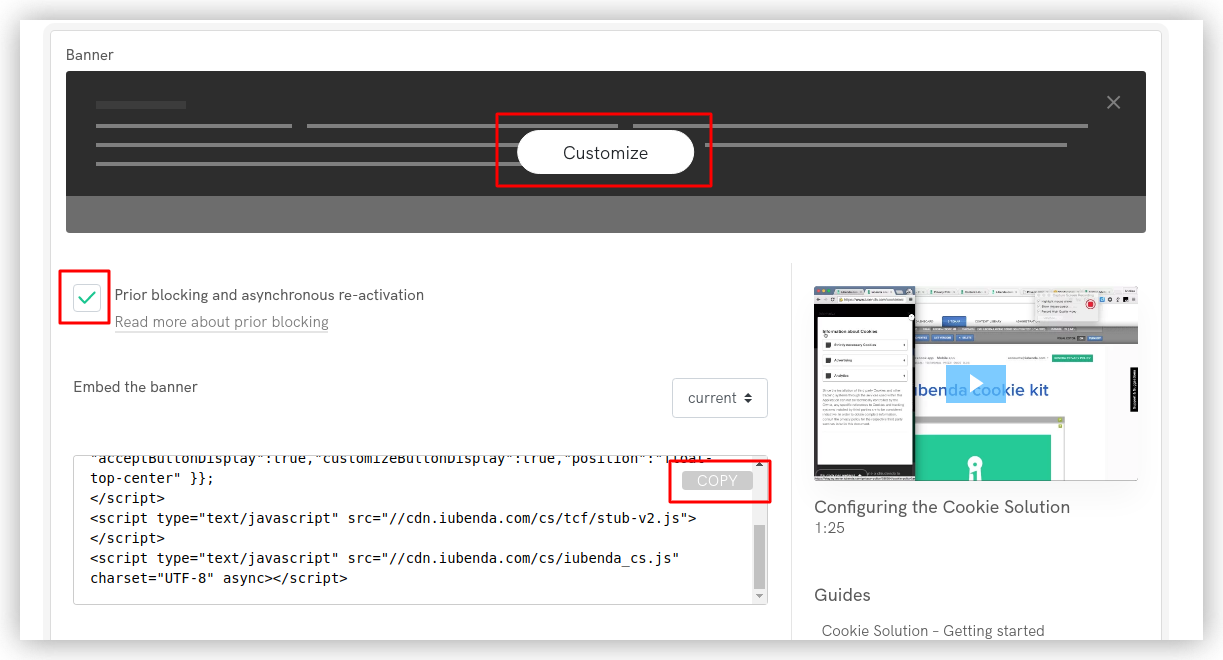
Accessing the embed code and customizing the banner further
Adding the Banner Code in Softr Studio
Now, switch to your Softr Studio, navigate to Settings => Integrations => Iubenda Cookie Solution, and paste the code.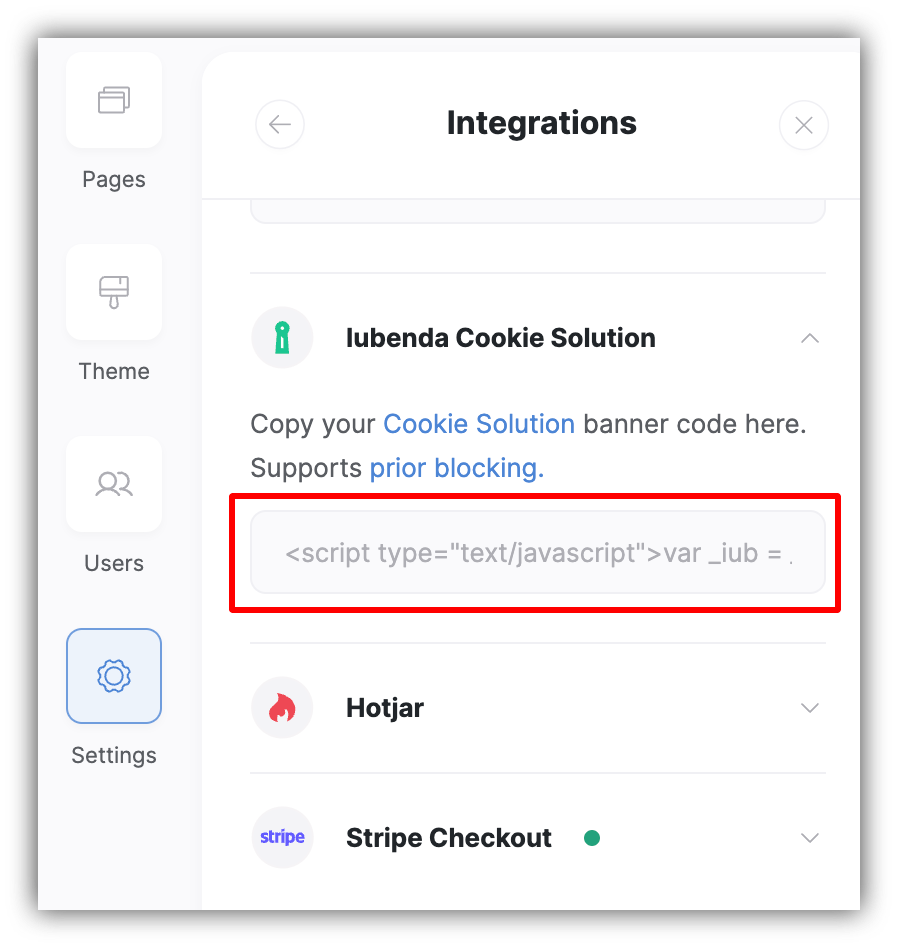
Applying banner code in Softr
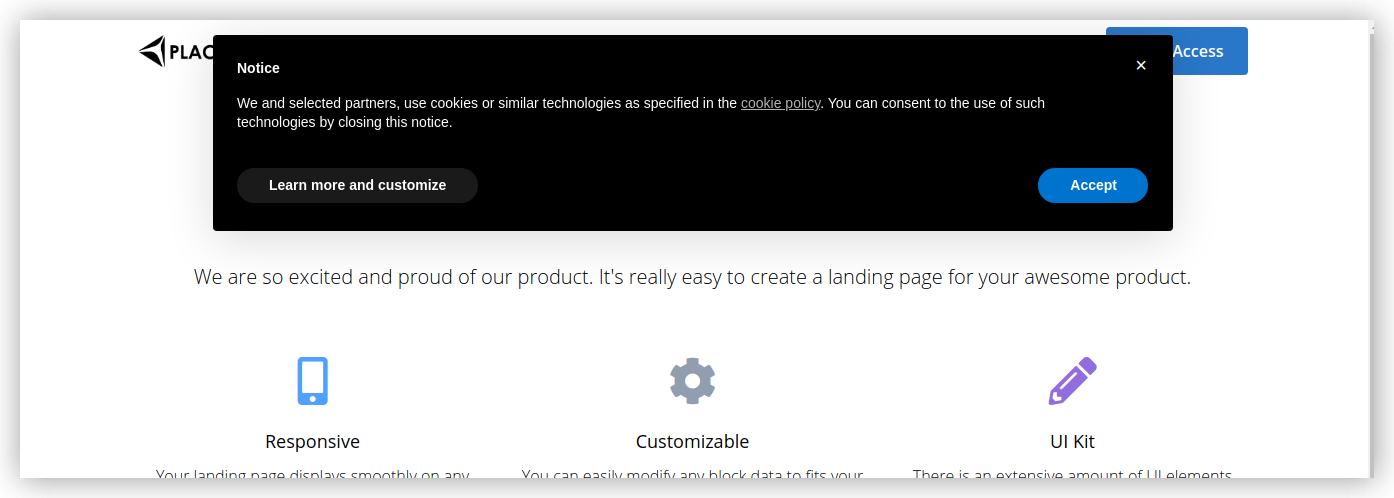
Iubenda pop-up published on the Softr app