Phishing
How to protect your account against phishing.
Phishing is the act of sending emails, text messages, or other communications that lead people to provide sensitive information to scam them by posing as legitimate websites, organizations, or people.
Many cybercriminals try to steal your personal data, such as usernames, passwords, credit card information, bank account numbers, and so on. They hack, steal, or extort the information for malicious purposes: identity theft, hacking, stealing money and even selling the information to cybercriminal underground markets.
Scammers and websites might ask you to complete the following actions:
-
Visit a link;
-
Download a file;
-
Open an attachment;
-
Share personal information by completing a form, providing an email or other messaging systems and more.
Be aware
You can always avoid phishing sites by being cautious and aware of signs indicating you’re facing a scammer. The first step in protecting your privacy is to scrutinize the website carefully, no matter how familiar it may seem.
Below are some signs that best indicate that you’re on a phishing site.
Misspellings, poor grammar, and style variations
Cybercriminals are less likely to use style guides. Usually, phishing sites are filled with errors and inattentiveness to detail such as typos and grammar errors since their main purpose is scamming people rather than providing great UX.
-
You’re most likely on a phishing site if you track several typos in the following categories:
-
Spelling;
-
Numbers;
-
Punctuation;
-
Capitalization;
-
Formatting.
Absence of identifying web pages
Legitimate websites have a “Contact Page” and an “About page” containing complete and accurate information on their company/services.
To avoid being caught, most phishing websites avoid offering a clear source of identifiable information. Even if a Contact Page is present, they mostly contain little to no information.
When unsure, check the following information to ensure you aren’t being targeted with fraudulent or scams:
-
Full address;
-
Phone number;
-
Email address.
A single-page website with limited content and poor design quality
One of the main indications that give off scammers, is single-page, poorly done websites with limited content.
They are built with poor-quality images, odd layouts, and overly simplistic titles and text that serve one purpose: make you interact with their website to obtain your personal information.
Secure yourself
Avoiding phishing websites isn’t an easy task and taking extra precautions before you interact with suspicious sites is mandatory.
To avoid being scammed, follow the next tips to check the legitimacy of the website:
-
Open only attachments or links you expect
-
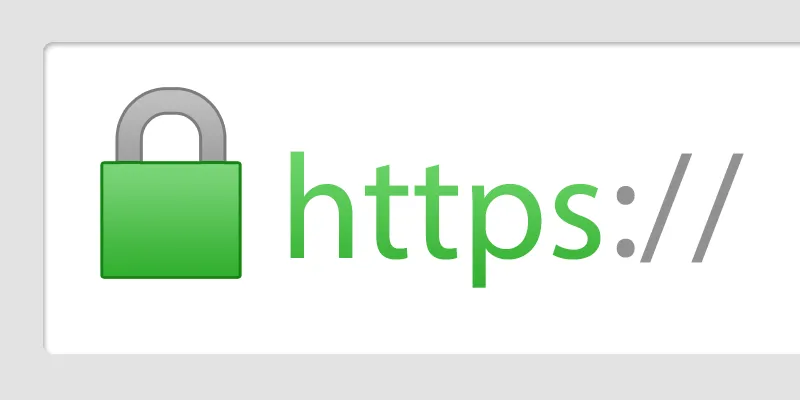
Make sure your connection to a website uses HTTPS
-
Always use a secure connection

What to do if you become a victim of a scam website?
If you end up being scammed, take action immediately. The good news is you can still limit their ability to exploit you by implementing security measures.
-
You can reduce the amount of damage from a successful scam with the following instructions:
-
To avoid any unsolicited charges, cancel any compromised credit cards.
-
Update your most crucial passwords and PINS, most importantly those for banking and email.
-
Freeze your credit to prevent scammers from using your personal information for new account fraud.
-
Inform any service providers or organizations who may be able to assist you with the fraud.