> ## Documentation Index
> Fetch the complete documentation index at: https://docs.softr.io/llms.txt
> Use this file to discover all available pages before exploring further.
# My Profile
> Editing your profile.
## My Information
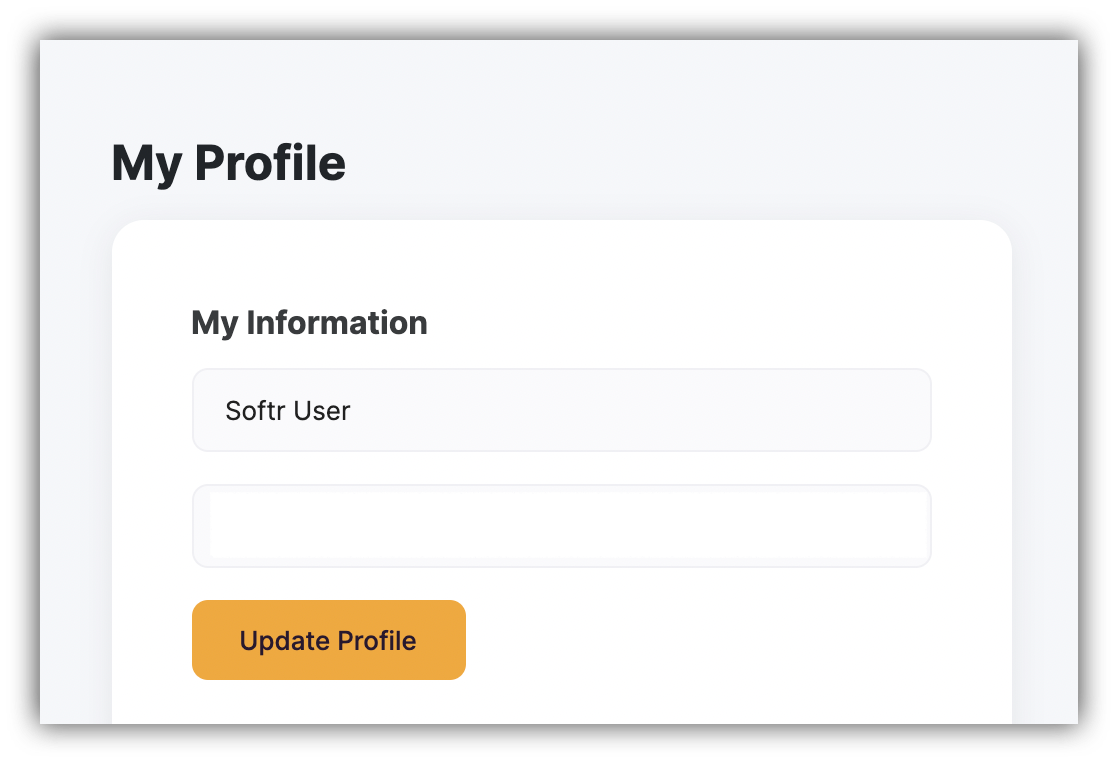
In this section you can edit the **Name** and **Email** you had set while registering on Softr. When you’re done, click the **Update Profile** button below to apply the changes.
Note that if you’ve used Google Signup to register, the **Email field will be disabled** and you won’t be able to edit it.
 ## Change Password
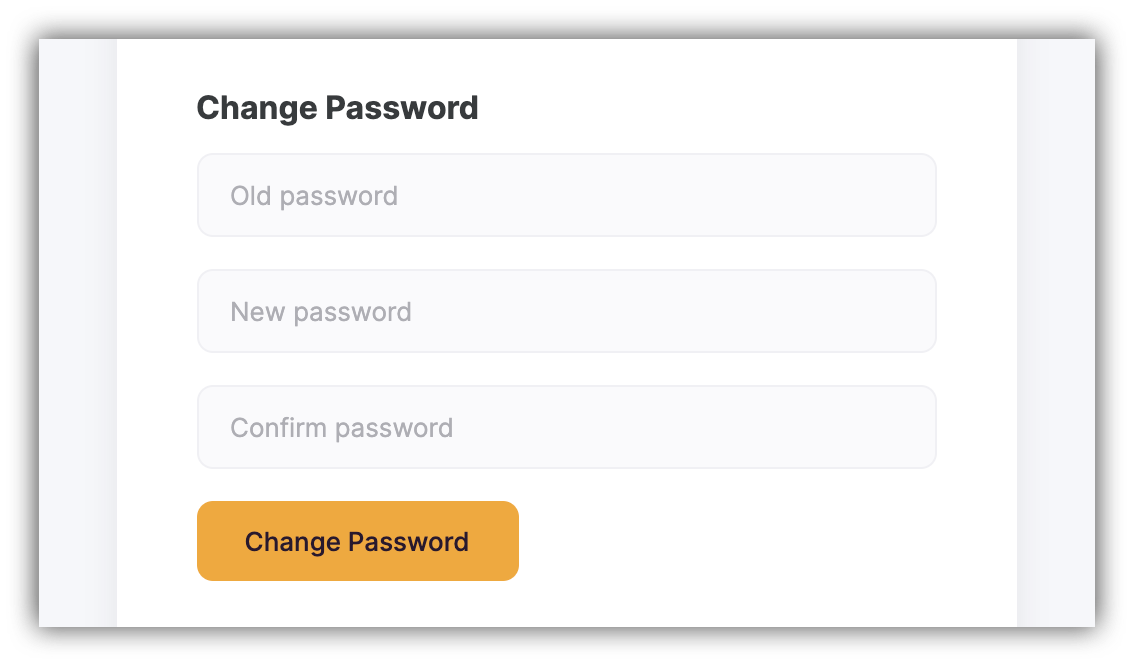
Next, you have the **Change Password** fields, where you can create a new password for your account. You just need to provide your current password, add a new one, and hit **Change Password** below.
## Change Password
Next, you have the **Change Password** fields, where you can create a new password for your account. You just need to provide your current password, add a new one, and hit **Change Password** below.
 ## Delete Account
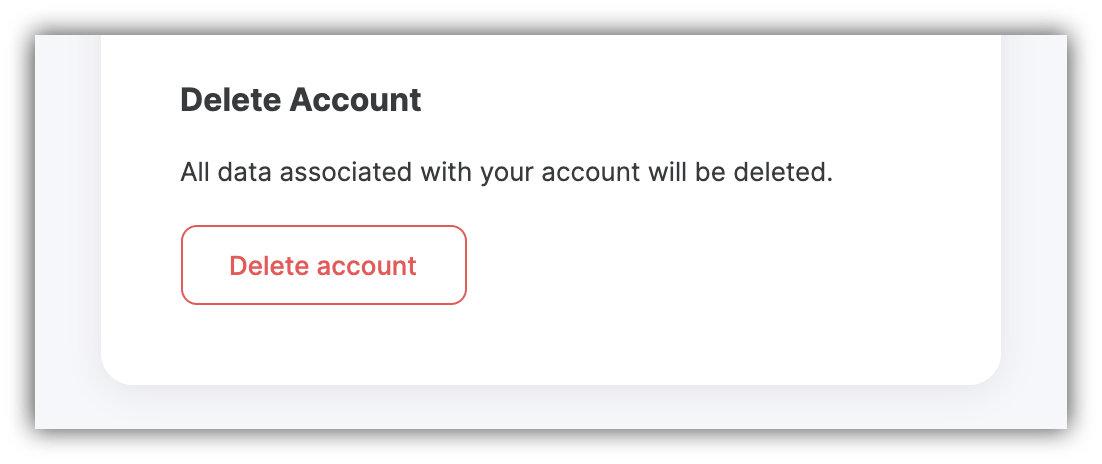
Lastly, you have the **Delete Account** option, where you can permanently delete your Softr account.
Please, note that all the data associated with your account will be deleted, and you won't be able to recover it.
## Delete Account
Lastly, you have the **Delete Account** option, where you can permanently delete your Softr account.
Please, note that all the data associated with your account will be deleted, and you won't be able to recover it.