> ## Documentation Index
> Fetch the complete documentation index at: https://docs.softr.io/llms.txt
> Use this file to discover all available pages before exploring further.
# Microsoft Clarity
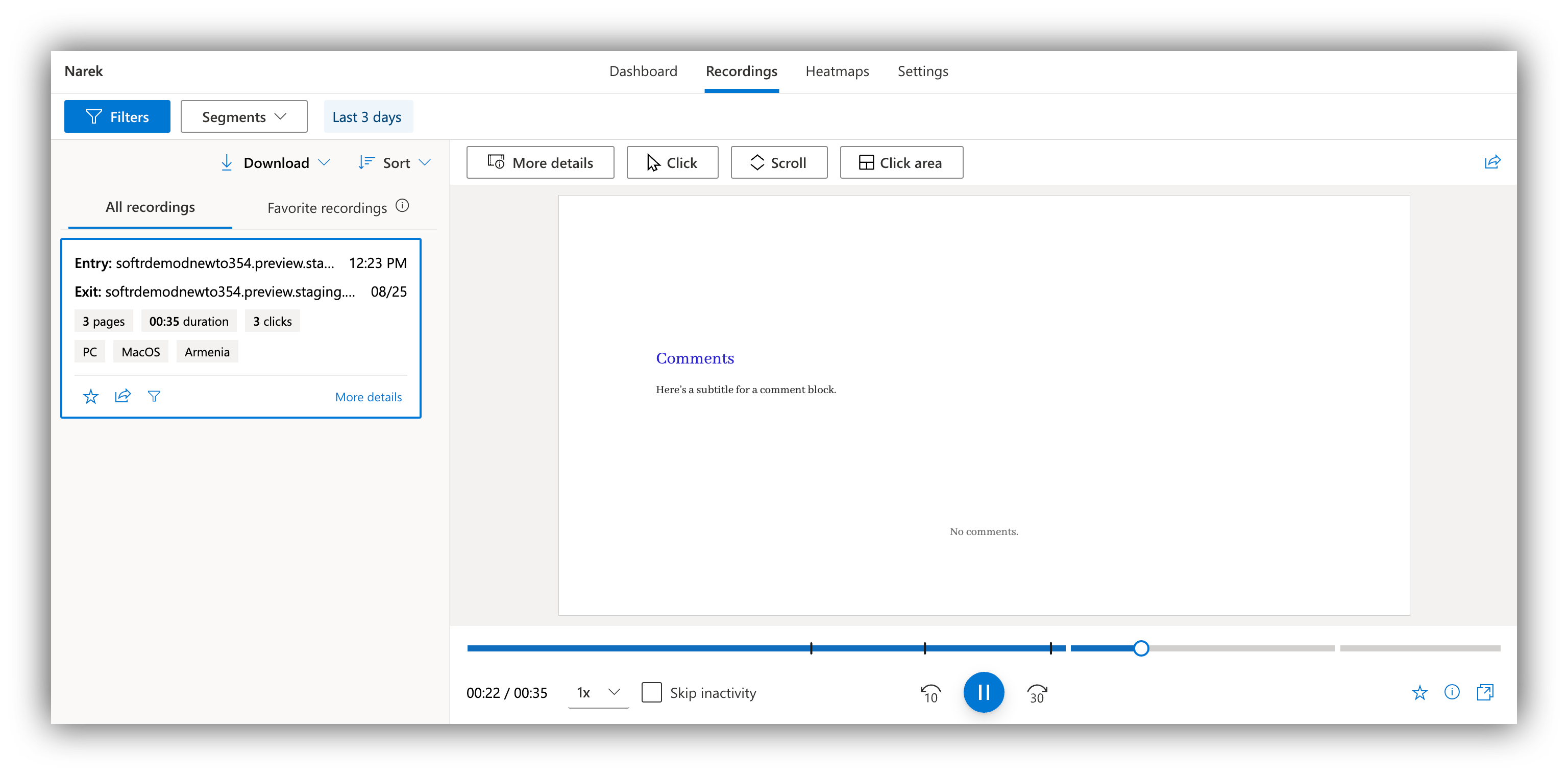
> MS Clarity uses heatmaps, session replays, an analytics dashboard, and other tools to understand how users interact with your website.
[Microsoft Clarity](https://clarity.microsoft.com/projects?utm_medium=partner\&utm_source=Softr\&utm_campaign=Growth) is free analytics tool to help you better understand how your users interact with your website. Using the platform, you can generate heatmaps to see where users click on your pages, what they ignore, and so on. Further on, it offers session recording that you can use to get even deeper insights into user experience and test out new ideas. Clarity also integrates with such tools as [Google Analytics](https://docs.microsoft.com/en-us/clarity/ga-integration) to help you better analyze and structure the user data.
Using our Clairty integration, you can easily apply the tool to your Softr application and start collecting insights. Let's quickly go over the steps.
## Getting the project ID
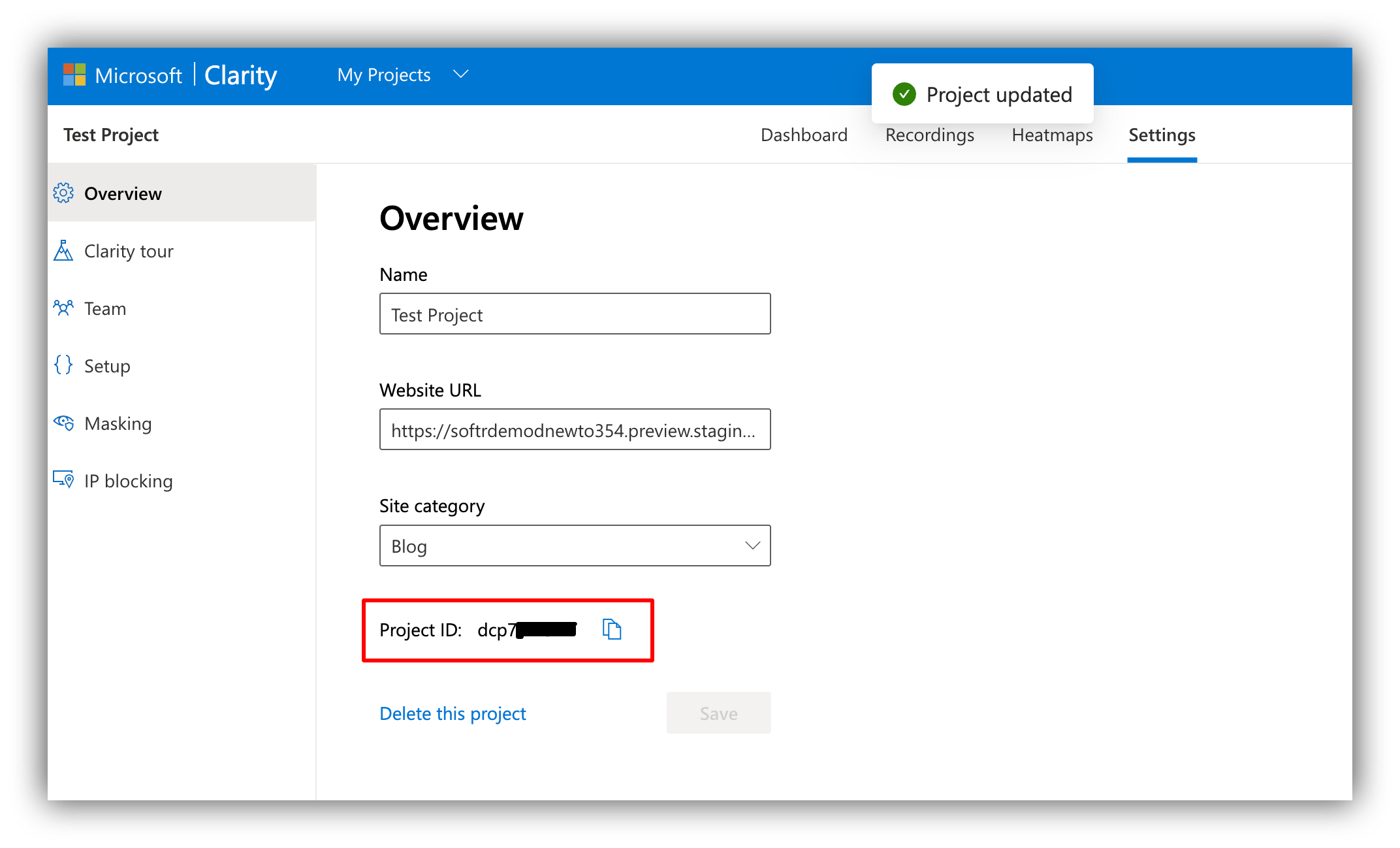
To get started, you need to [create a project](https://docs.microsoft.com/en-us/clarity/getting-started#add-a-new-project) in your Clarity dashboard and connect it to your Softr app under **Website URL**. As soon as the project is ready, go to project settings and copy the ID. Below, you can see where the ID is located and how we've added our Softr application to the Clarity project.
 ## Adding the project ID on Softr
Now that you have the Project ID, navigate to your Softr app's **Settings => Integrations => Microsoft Clarity** and add it there.
## Adding the project ID on Softr
Now that you have the Project ID, navigate to your Softr app's **Settings => Integrations => Microsoft Clarity** and add it there.
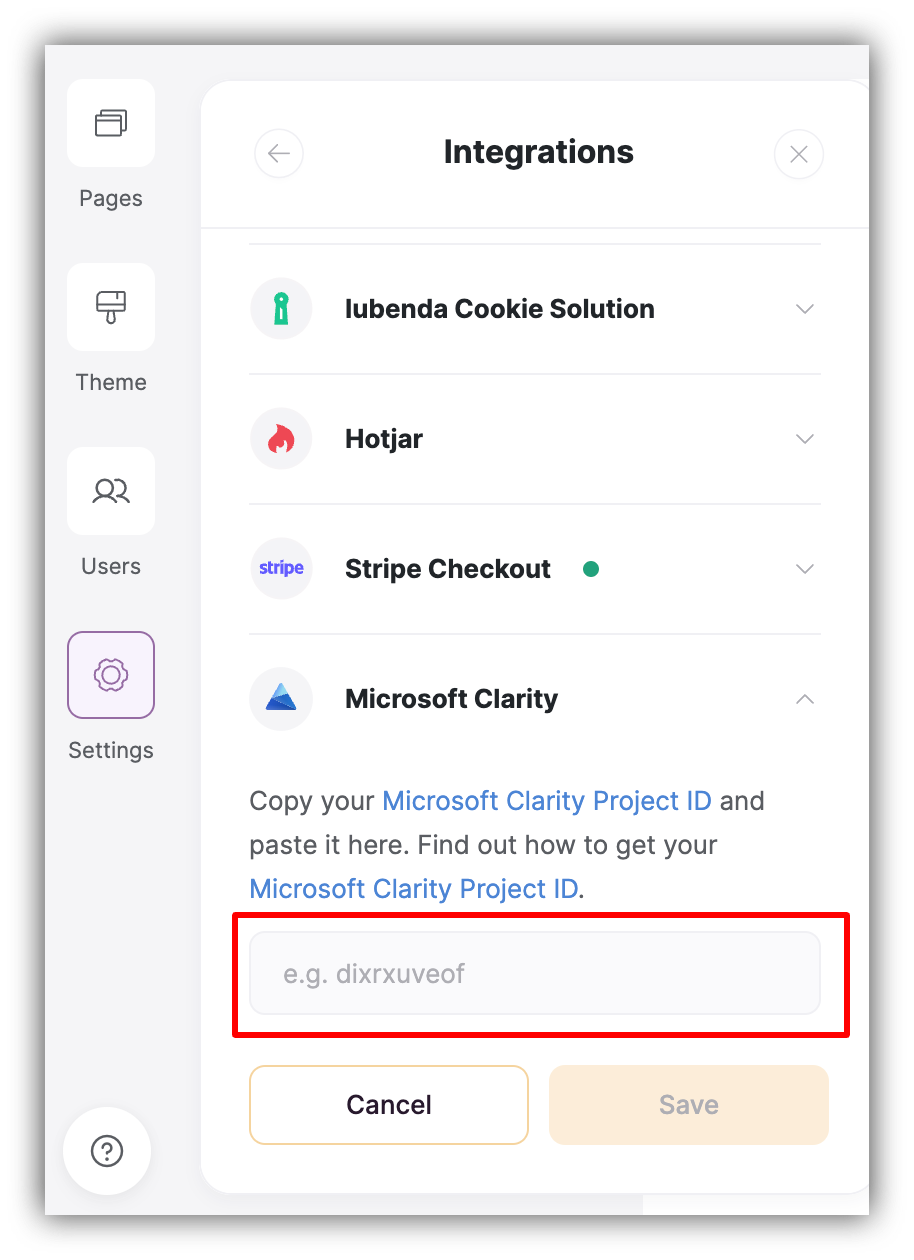 As soon as you **Save your settings** and **publish your Softr app**, you're ready to go!
## Testing the integration
If you don't yet have actual users on your Softr app, you can just perform some activity yourself, and within a few hours it will start appearing in your Clarity dashboard. As soon as you start gathering data, you can start monitoring activity heatmaps, watching user session recordings, and so on.
As soon as you **Save your settings** and **publish your Softr app**, you're ready to go!
## Testing the integration
If you don't yet have actual users on your Softr app, you can just perform some activity yourself, and within a few hours it will start appearing in your Clarity dashboard. As soon as you start gathering data, you can start monitoring activity heatmaps, watching user session recordings, and so on.