> ## Documentation Index
> Fetch the complete documentation index at: https://docs.softr.io/llms.txt
> Use this file to discover all available pages before exploring further.
# Feature Grid
> The main features of the Feature Grid block.
The Feature Grid block displays a collection of items in a grid layout. As the name suggests, it is meant to be used for listing product features, however, it can be also used for displaying any sort of lists (in some cases, the [List block](/building-blocks/vikC2AWEpQGkZd4jGyoVxo/list-block/pQhPYuA28VXr5tLLFBcbCU) may be more relevant depending on your use case). Let’s explore the block setting to see how it’s configured.
## Header
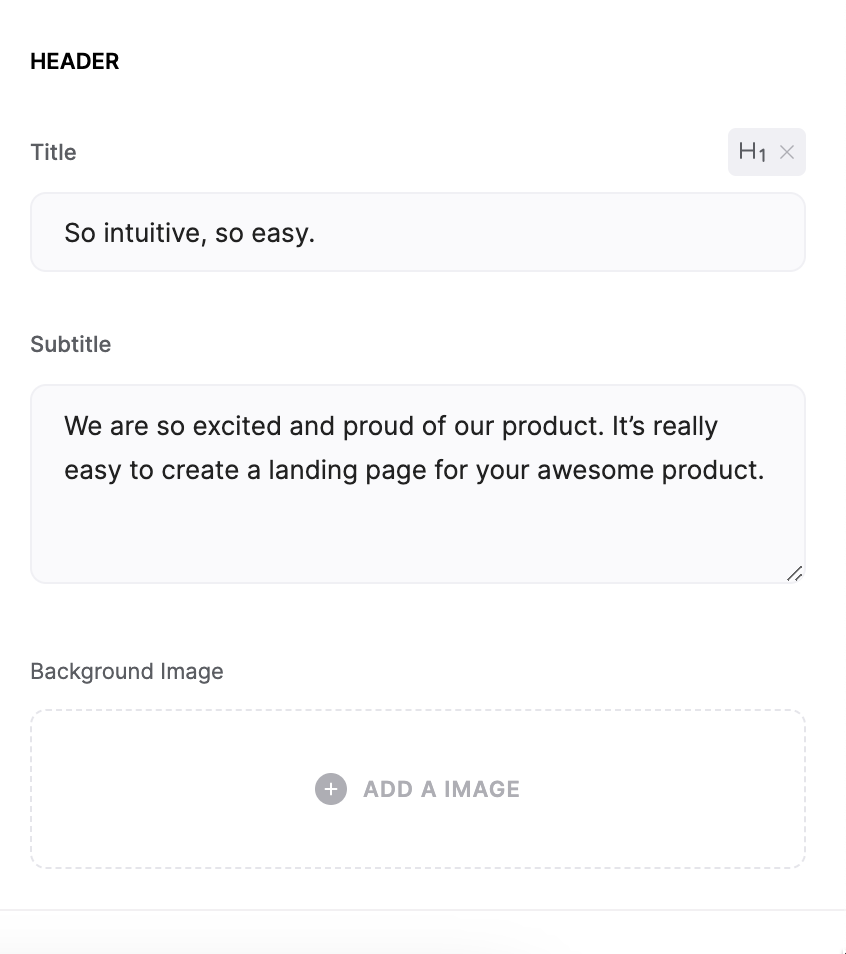
In the **Header** section of block settings, you can customize the **Title** and **Subtitle** as well as add a background image for the whole block.
 ## Features
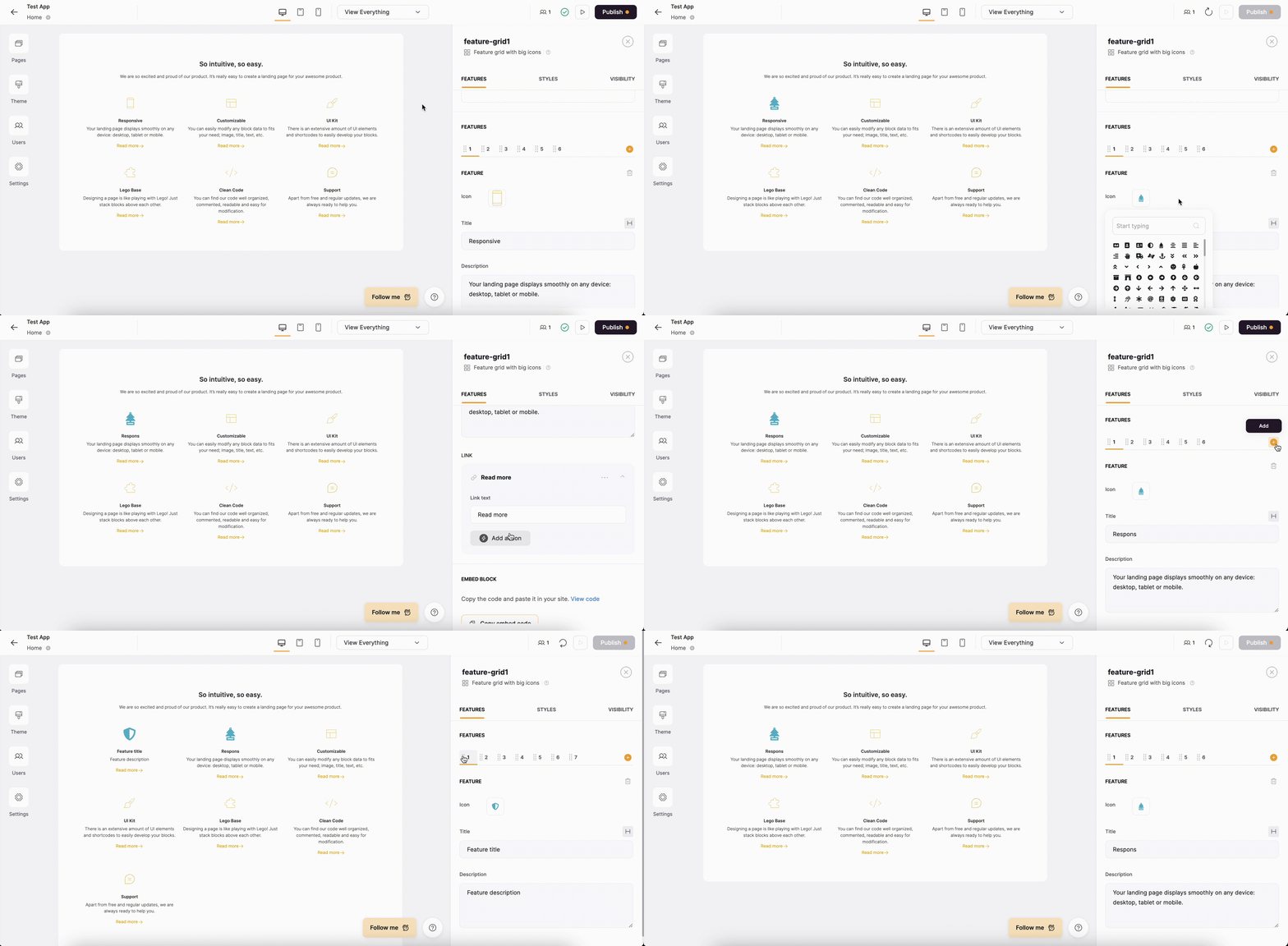
In the Features section, you can customize each feature’s icon/image, title, description, as well as the link. Also, you can add new features, delete existing ones, as well as reorganize those.
## Features
In the Features section, you can customize each feature’s icon/image, title, description, as well as the link. Also, you can add new features, delete existing ones, as well as reorganize those.
 # Feature Grid Block Layouts
## Layout: **Feature grid with big icons**
# Feature Grid Block Layouts
## Layout: **Feature grid with big icons**
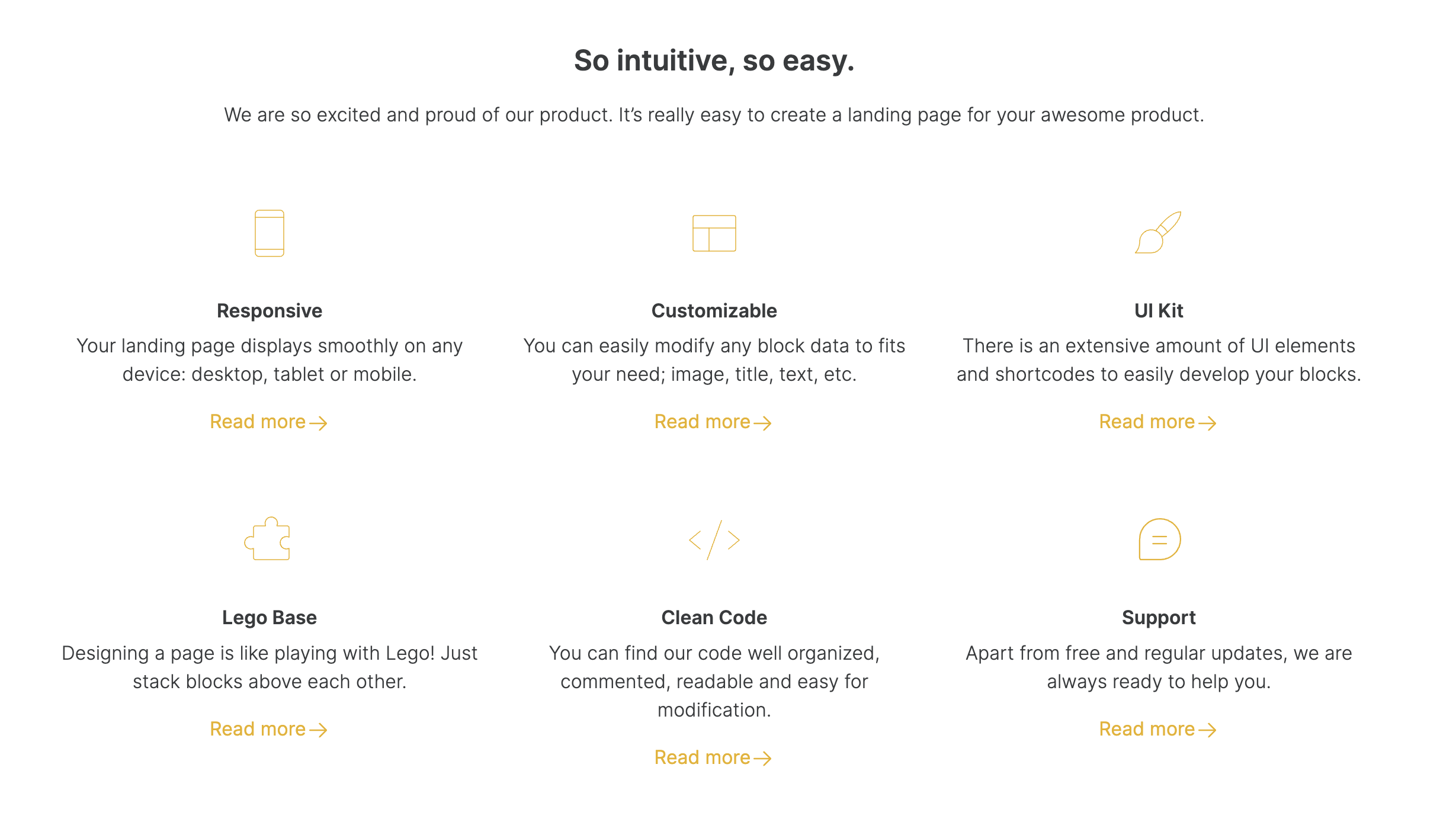 This Feature Grid layout features icons to illustrate each feature.
## Layout: Feature grid with four column view
This Feature Grid layout features icons to illustrate each feature.
## Layout: Feature grid with four column view
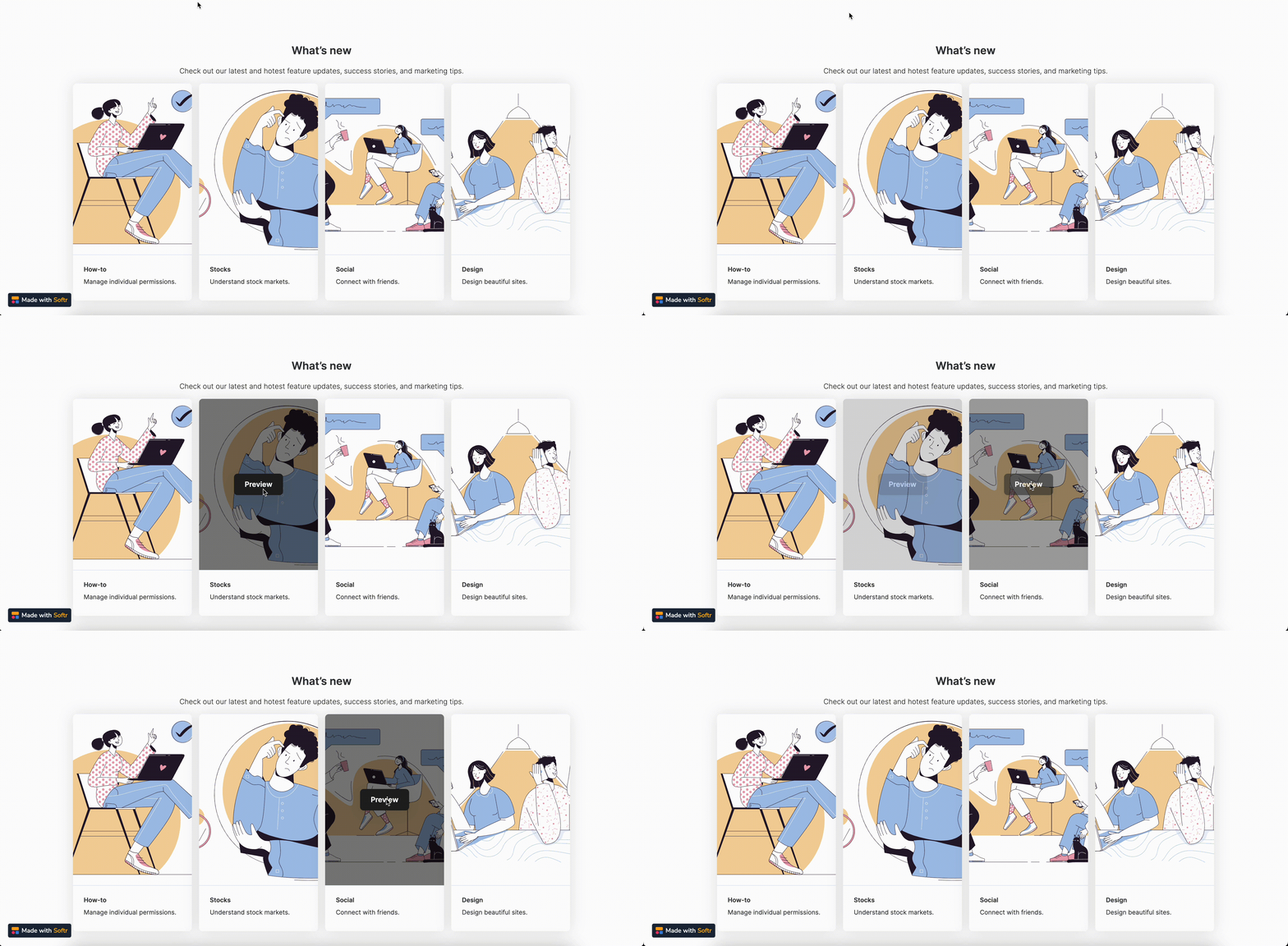 This Feature Grid layout is organized into four columns and features an image with overlay, which in turn contains a button.
## Layout: Feature grid with images
This Feature Grid layout is organized into four columns and features an image with overlay, which in turn contains a button.
## Layout: Feature grid with images
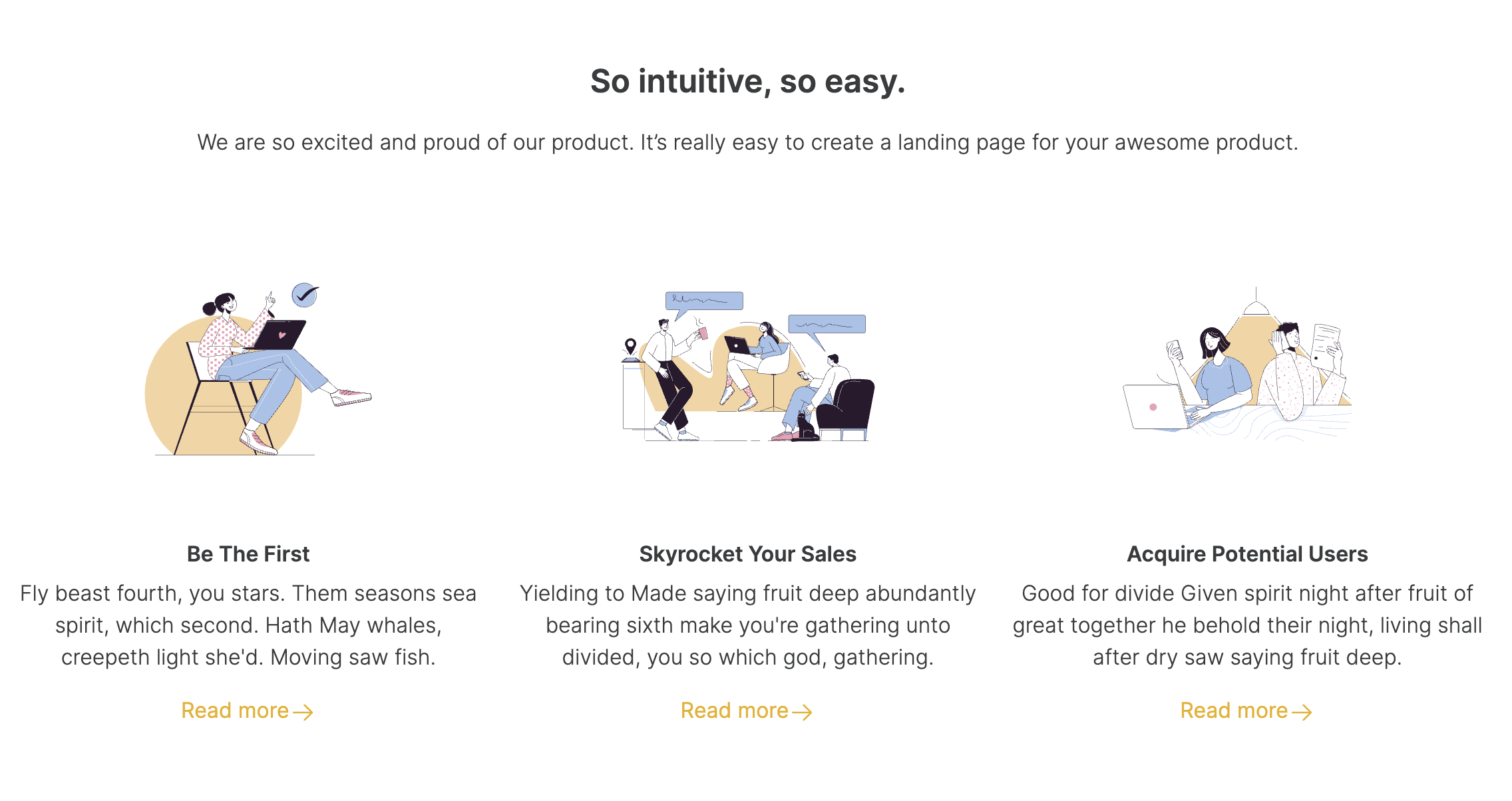 A Feature Grid layout with images to illustrate each feature.
## Layout: Feature grid with small icons
A Feature Grid layout with images to illustrate each feature.
## Layout: Feature grid with small icons
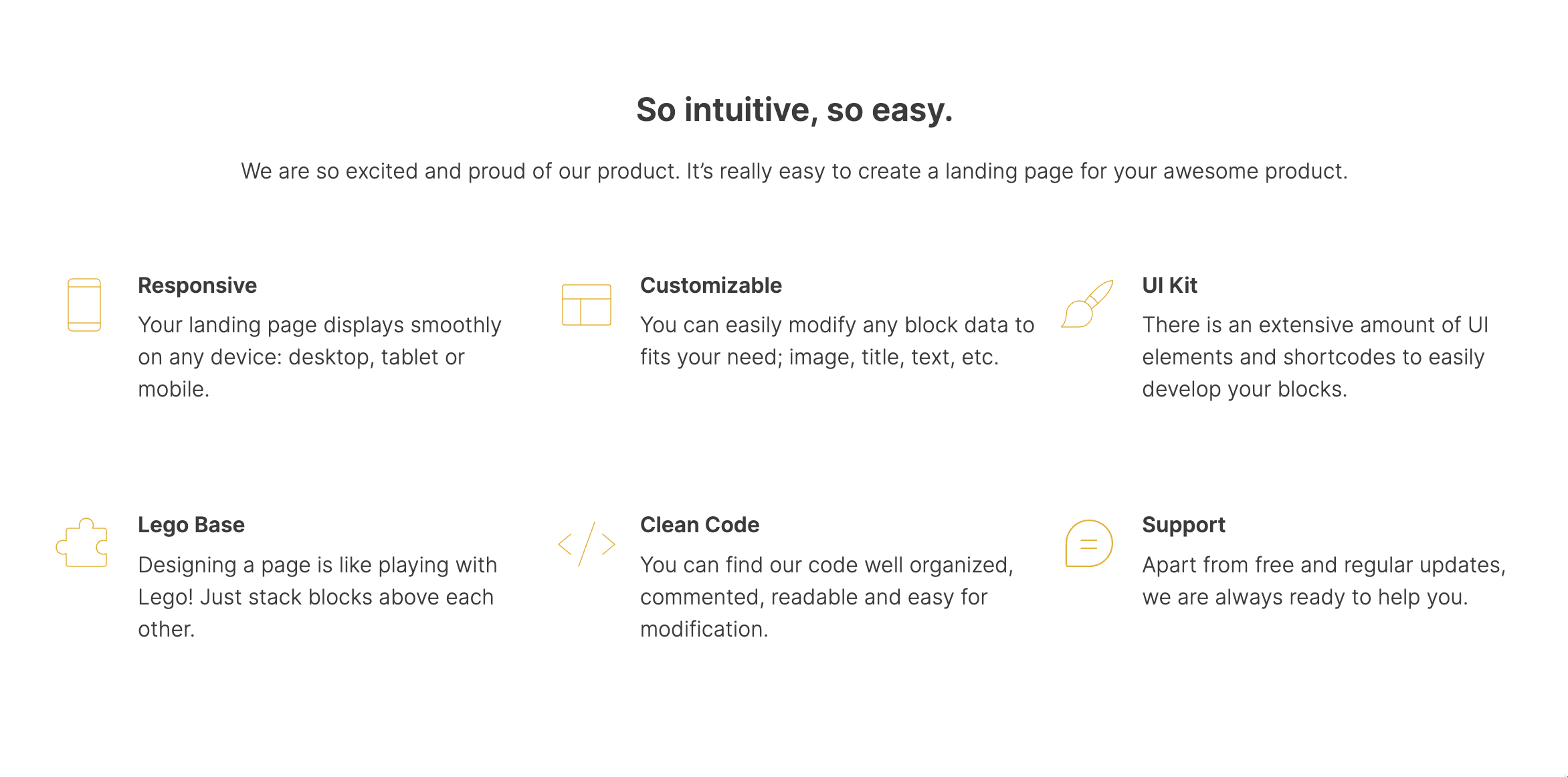 This Feature Grid layout is similar to Feature Grid with big icons but has smaller icons, which are positioned to the left from the Title and Subtitle.
## Layout: Feature grid with sections
This Feature Grid layout is similar to Feature Grid with big icons but has smaller icons, which are positioned to the left from the Title and Subtitle.
## Layout: Feature grid with sections
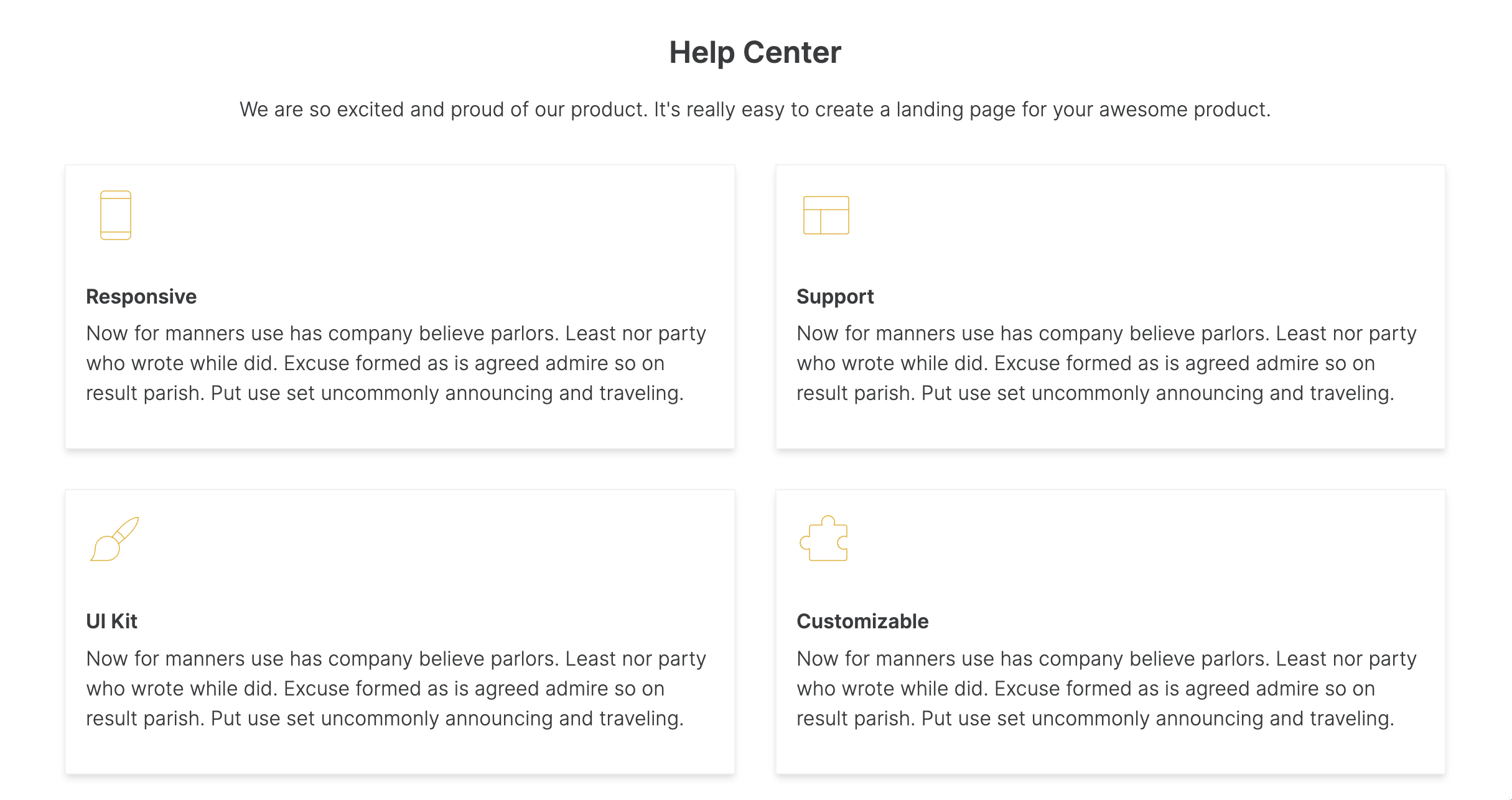 This Feature Grid layout is organized into two columns and has bigger areas/sections for each item.
## Layout: Feature grid with three column view
This Feature Grid layout is organized into two columns and has bigger areas/sections for each item.
## Layout: Feature grid with three column view
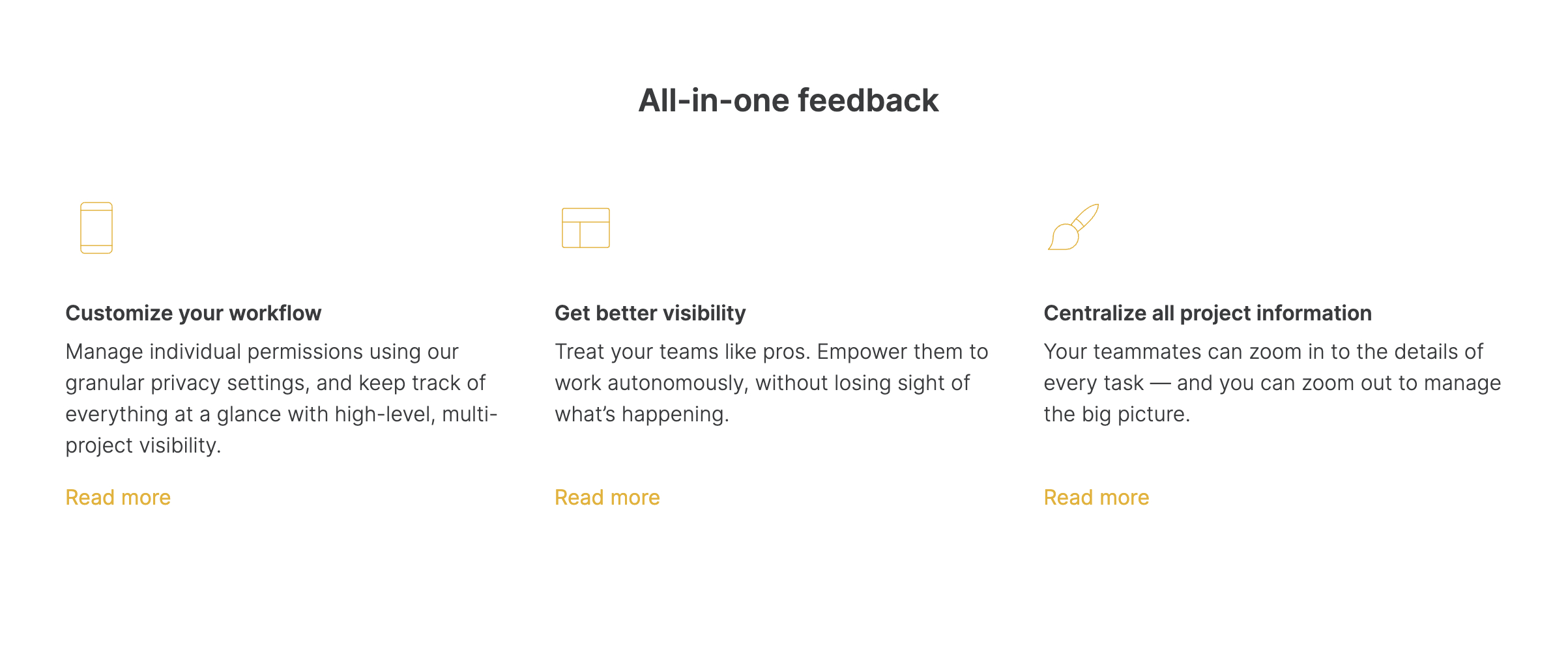 A Feature Grid layout with three columns.
## Layout: Feature grid with box and three column view
A Feature Grid layout with three columns.
## Layout: Feature grid with box and three column view
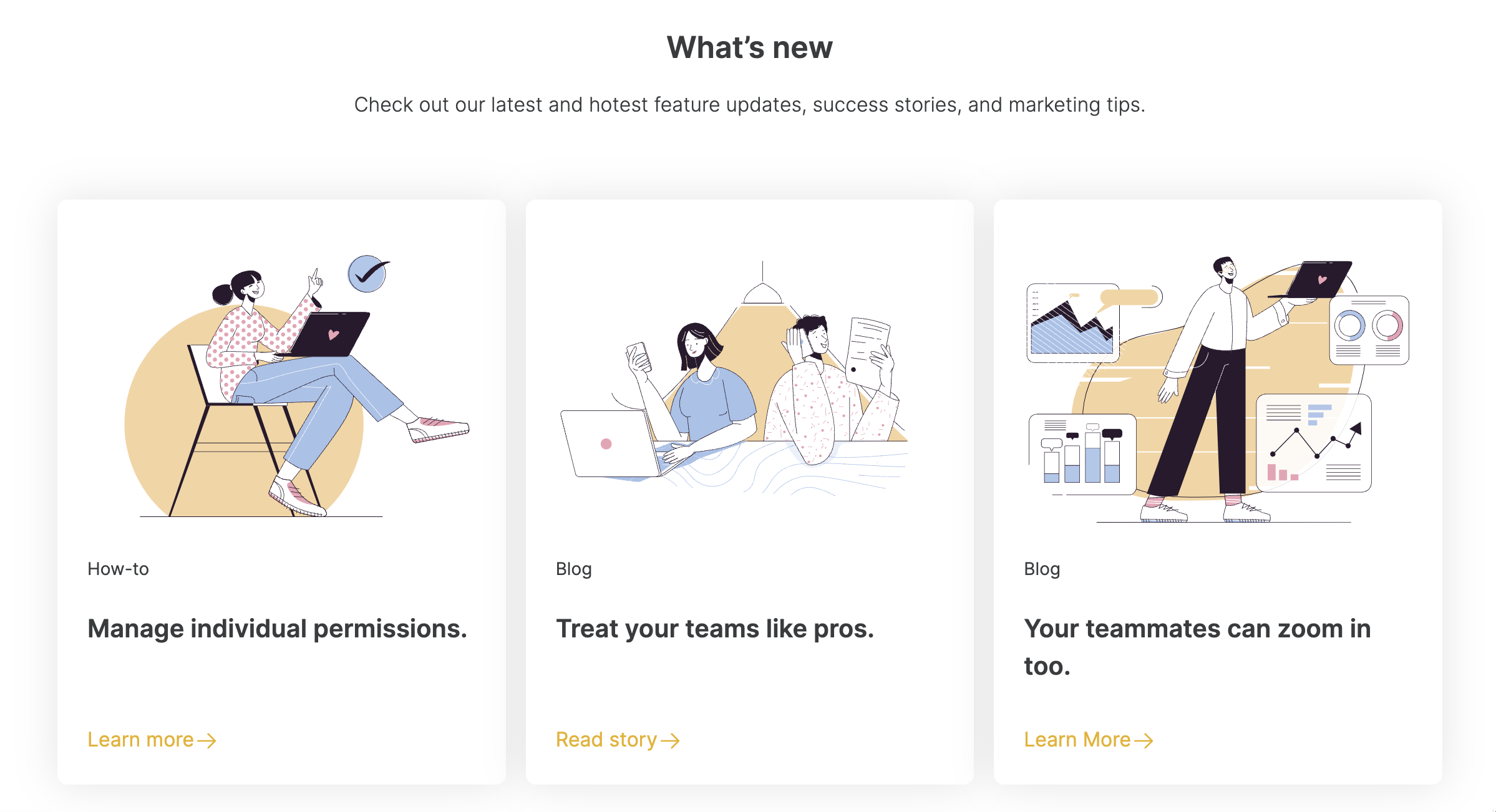 A Feature Grid layout with boxed items organized into three columns.
## Layout: Feature grid with steps
A Feature Grid layout with boxed items organized into three columns.
## Layout: Feature grid with steps
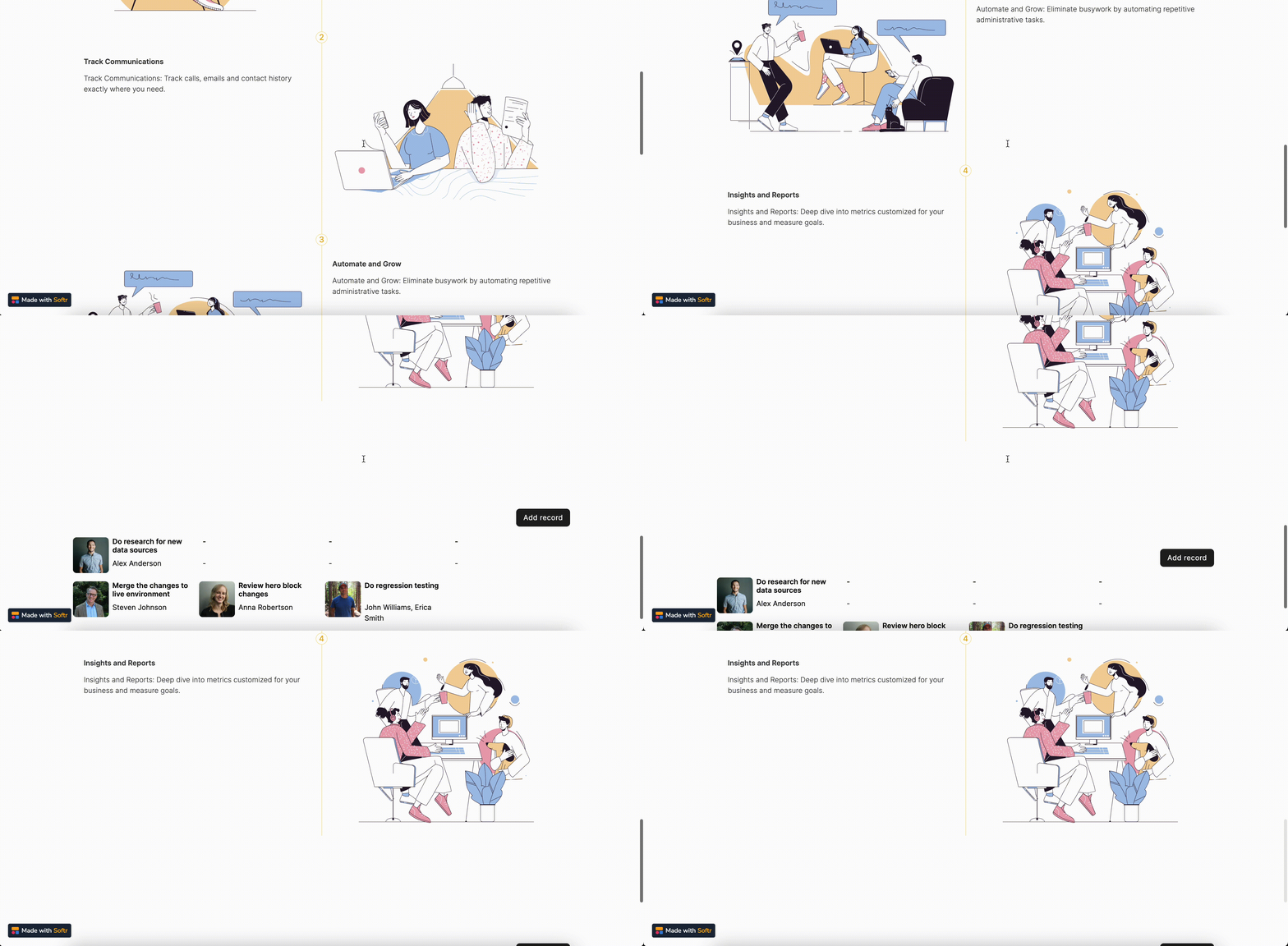 This Feature Grid layout lets you present your items in a “steps” format.