> ## Documentation Index
> Fetch the complete documentation index at: https://docs.softr.io/llms.txt
> Use this file to discover all available pages before exploring further.
# Reset Password Form
> Reset password functionality overview.
This article provides a guide on setting up the password reset process, outlining two available methods.
## **Password reset for logged-out users**
* Create separate pages for [Forgot Password Form](/add-and-manage-users/pxnkp9H3qyEVMF6XUceqnj/forgot-password-form/cdXruGUfrkDNtzJi5JWx9s) and discussed here "Reset Password" block.
* On the "Forgot Password" page, add the respective block where users can enter their email address.
* After submitting the email, users receive a unique link (e.g. `https://domain.softr.app/reset-password?token=bcb9702f-3579-49c9-be57-a01f5e93b4e1`) to reset their password.
* Ensure these pages are accessible to users who are not logged in, specifically for those who have forgotten their passwords.
* Refer to this instructional video for further assistance: [Password Reset Tutorial Video](https://www.youtube.com/watch?v=YEdfVQg2dAs).
## **Password reset/set for logged-In users**
Use the [User Profile](/add-and-manage-users/pxnkp9H3qyEVMF6XUceqnj/user-profile/jVikpwBm67W9wozwyDXtjs) block to enable password resets for logged-in users.
If users log in using a magic link and wish to set a password, they should navigate to a page with the user profile block. Note that even after setting a new password, the *Old password* input field remains grayed out for these users.
## Logo, Title, and Background Image
This section is configured similar to that of the [Signup Form](/add-and-manage-users/pxnkp9H3qyEVMF6XUceqnj/signup-form/tPe3uxmdcUNeFYuaLTR1o9).
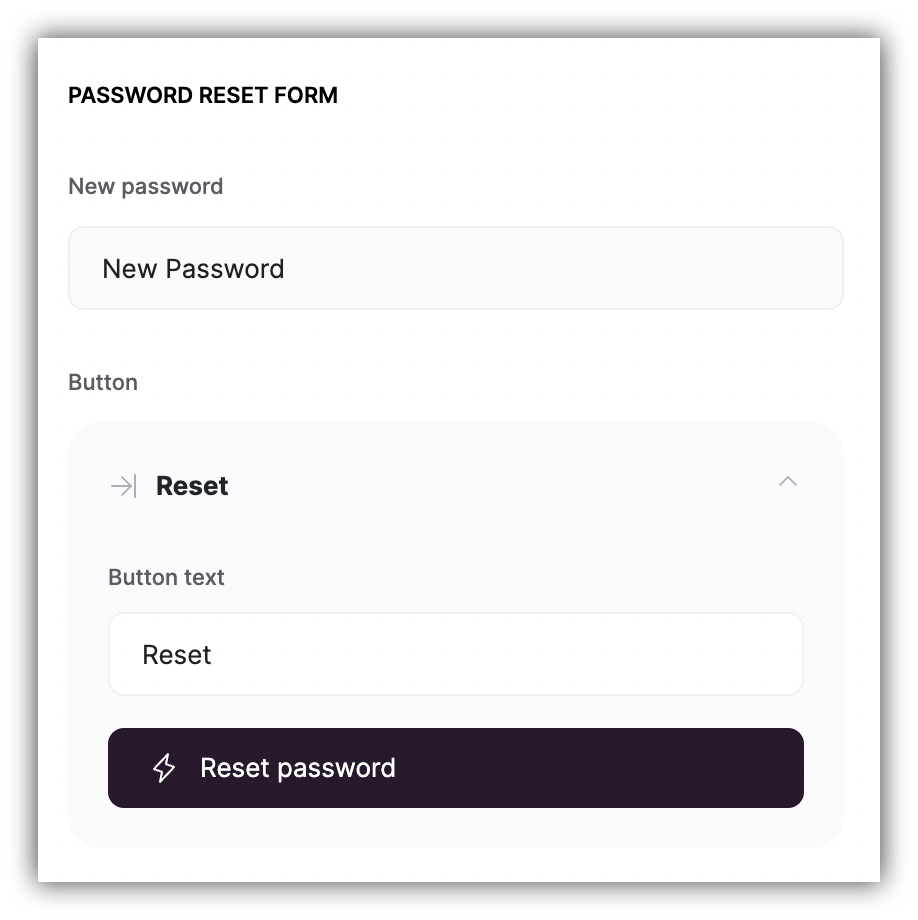
## Reset Password form
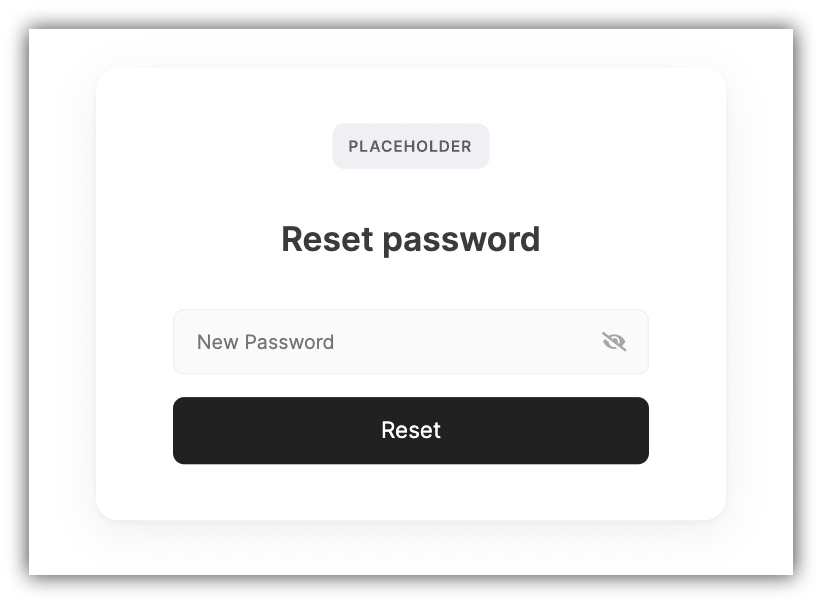
Customize the "New Password" field placeholder text and the "Reset" button text in this section. Note that the action of the button is fixed and cannot be changed.
 ## **Password reset/set for logged-In users**
Use the [User Profile](/add-and-manage-users/pxnkp9H3qyEVMF6XUceqnj/user-profile/jVikpwBm67W9wozwyDXtjs) block to enable password resets for logged-in users.
## **Password reset/set for logged-In users**
Use the [User Profile](/add-and-manage-users/pxnkp9H3qyEVMF6XUceqnj/user-profile/jVikpwBm67W9wozwyDXtjs) block to enable password resets for logged-in users.